
Resume folders
Folders let you group resumes your way, across all your jobs: “Strong PHP candidates”, “Call back in spring”, “Interview panel 2”. A resume can be in several folders.
Create a folder
Section titled “Create a folder”-
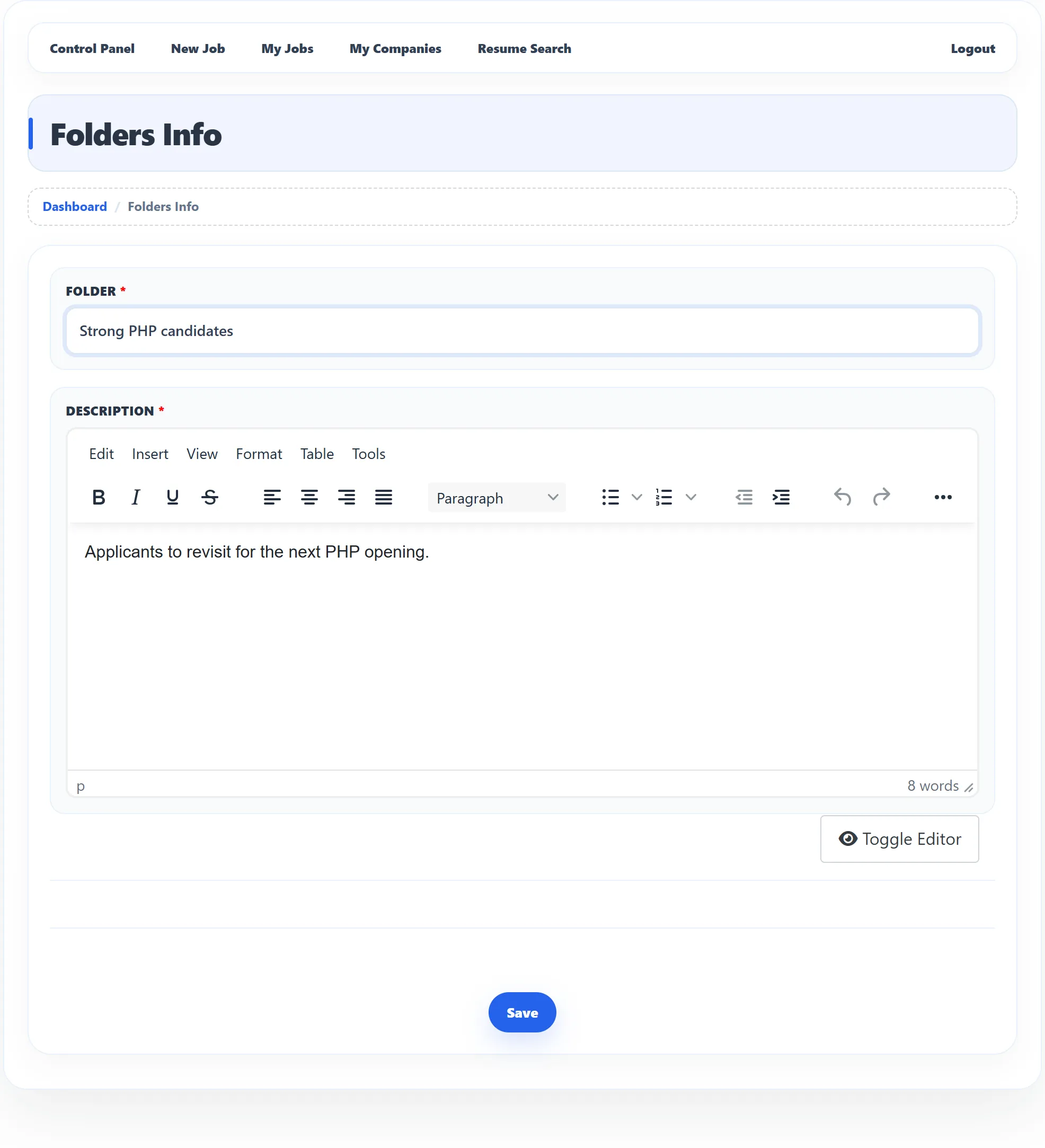
On the dashboard, click New Folder, or click My Folders and then Add New Folder.
-
Enter the Folder name and a Description. Both are required.
-
Click Save.
You return to My Folders with Folder has been saved successfully. If you already have a folder with that name you see Folder already exists.
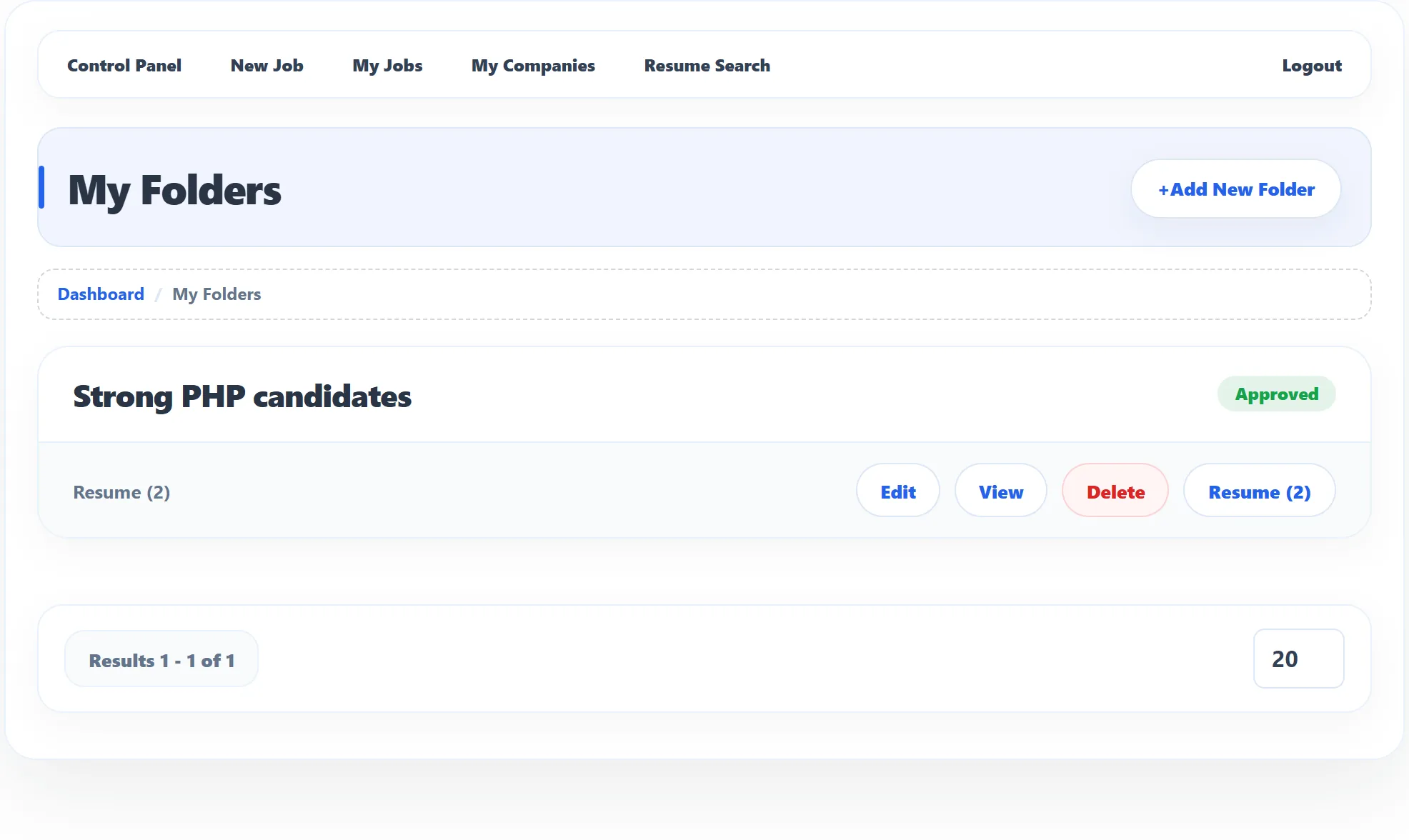
My Folders
Section titled “My Folders”Each folder shows its name and status:
| Status | Meaning |
|---|---|
| Approved | Ready to use. |
| Pending (with Waiting for approval) | The site checks new folders first. You can’t use it yet. |
| Rejected | The administrator rejected it. |
An approved folder has these buttons:
| Button | What it does |
|---|---|
| Edit | Change the name or description. |
| View | Shows the folder’s name and description. |
| Delete | Deletes the folder after you confirm. Only an empty folder can be deleted; otherwise you see Folder could not be deleted. |
| Resume (n) | Opens the resumes in the folder; n is how many there are. |
Put a resume in a folder
Section titled “Put a resume in a folder”You add resumes from a job’s applications.
-
Open the job’s applications from My Jobs.
-
On the application, click Copy To Folder (under Utilities).
-
Choose the folder under Select Folder and click Add.
You see Resume folder has been saved, or Resume already exists in the folder if it was already there. Only approved folders are listed; with no folders at all the box says You do not have folders.
The application itself stays where it is: copying to a folder doesn’t change its stage.
Resumes in a folder
Section titled “Resumes in a folder”Resume (n) opens My Folders Resumes: each resume with its photo, name, job type, location and the details the site shows in lists.
- View Resume opens the full resume.
- Remove Resume From Folder takes it out of the folder. The resume and the application are not deleted.
Package limits
Section titled “Package limits”If the site requires packages, the number of folders you can create depends on your package (Folders). When you reach it, the form is replaced by Folder limit exceed with a link to the packages page. See Packages and credits.