
Approval queues
When an employer posts a job or a company and it is not approved automatically, it waits in an approval queue. Employers’ gold and featured requests wait there too (Pro). There are three queues:
- Jobs → Approval Queue for jobs;
- Companies → Approval Queue for companies;
- Departments → Approval Queue for departments (see Departments).
Whether new jobs, companies, departments and gold or featured requests wait here or are approved straight away is set under Configurations → Employer, in the Auto Approve section.
The jobs approval queue
Section titled “The jobs approval queue”The queue lists every job that waits for something: the job itself, a gold request or a featured request.
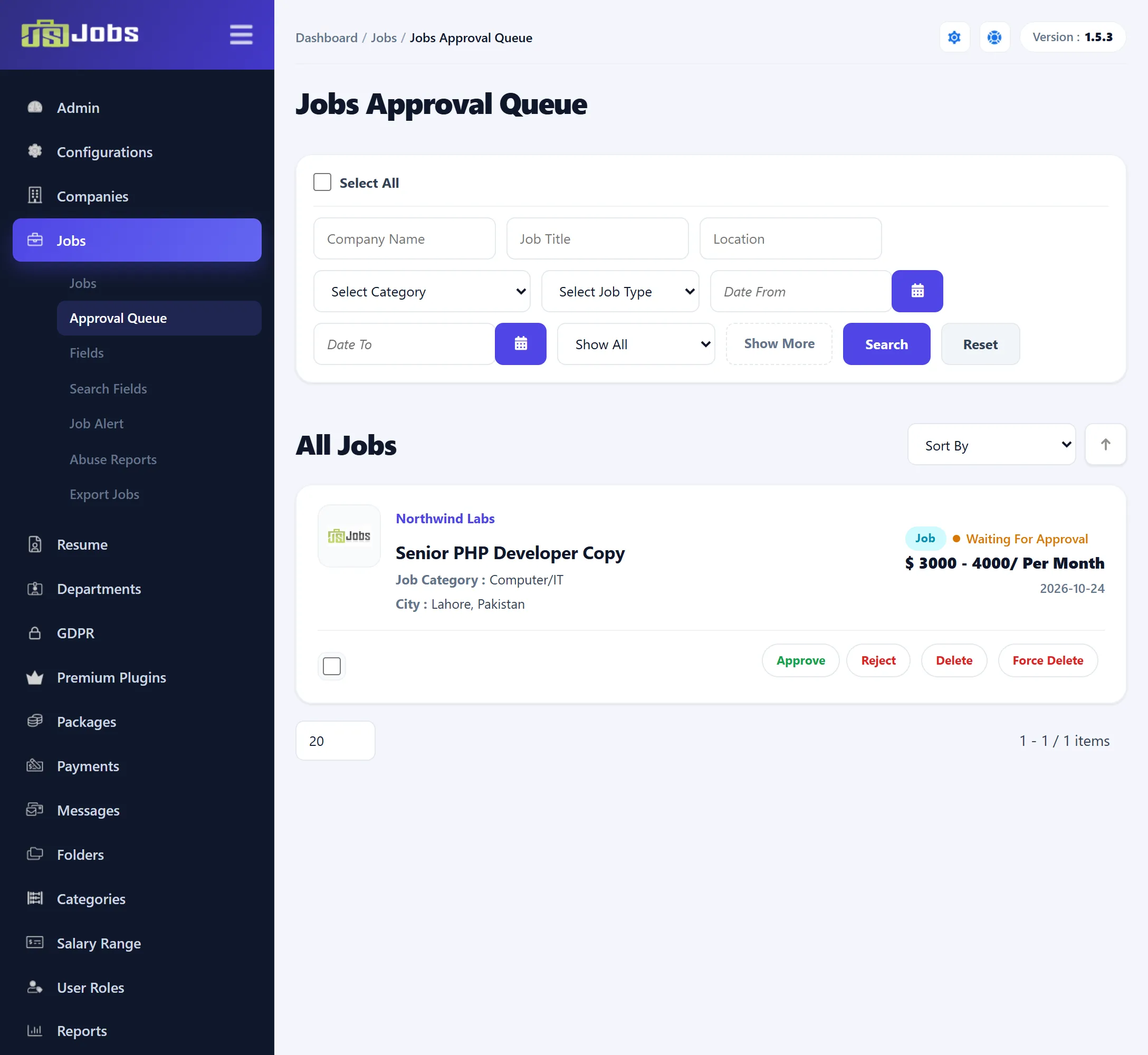
Each row shows the company, the job title, category, city, salary and the date it was created. Coloured labels say what is waiting: Job for the job itself, Gold or Featured (Pro) for a request, followed by Waiting for approval. Click the title to open the job form (see Adding and editing a job); after saving you return to the queue.
Searching
Section titled “Searching”The filters are the same as on the jobs list: Company Name, Job Title, Location, and behind Show More the category, job type and Date From / Date To. The gold and featured list (Pro) narrows the queue to waiting requests: Gold, Featured, or Gold & Featured for jobs waiting for both. Show All lists everything waiting. Sort By has the same choices as the jobs list.
Approving and rejecting
Section titled “Approving and rejecting”When only one thing is waiting, the row has plain Approve and Reject links. When more than one is waiting, point at Approve or Reject to pick what to act on:
| Choice | What it does |
|---|---|
| Job Approve / Job Reject | Approves or rejects the job itself. |
| Gold Approve / Gold Reject (Pro) | Grants or refuses the gold request. |
| Feature Approve / Feature Reject (Pro) | Grants or refuses the featured request. |
| All Approve / All Reject | Does all of the above that are waiting. |
Approving a job sends the employer the Job Approval e-mail, and rejecting it sends Job Rejecting (see Email Templates). Gold and featured decisions send no e-mail.
An approved job leaves the queue and shows on the jobs list and, between its publishing dates, on the site. A rejected job also leaves the queue; it stays on the jobs list marked Rejected. To approve it later, edit it and set Status to Approve.
Delete and Force Delete work as on the jobs list (see Deleting jobs).
The companies approval queue
Section titled “The companies approval queue”Companies → Approval Queue works the same way for companies: the labels are Company, Gold and Featured, and the choices are Company Approve, Gold Approve, Feature Approve and All Approve, with the matching reject choices.
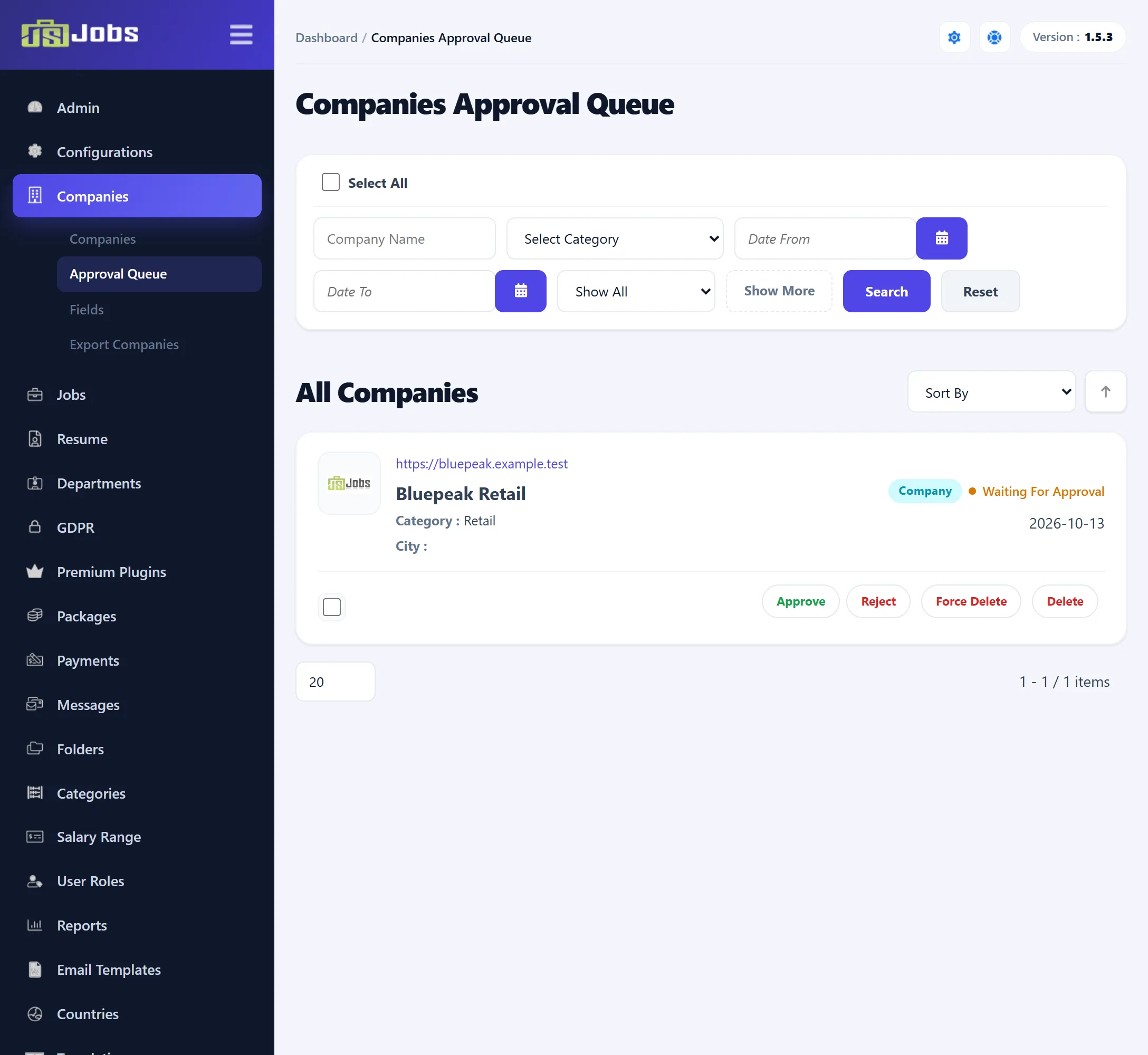
The filters are Company Name, the category, Date From / Date To behind Show More, and the gold and featured list (Pro). Sort By offers Category, Created, Status, Location and Company Name.
Approving a company sends the Company Approval e-mail, and rejecting it sends Company Rejection. A rejected company stays on the companies list marked Rejected.
Delete and Force Delete work as on the companies list (see Companies).