
Resume approval queue
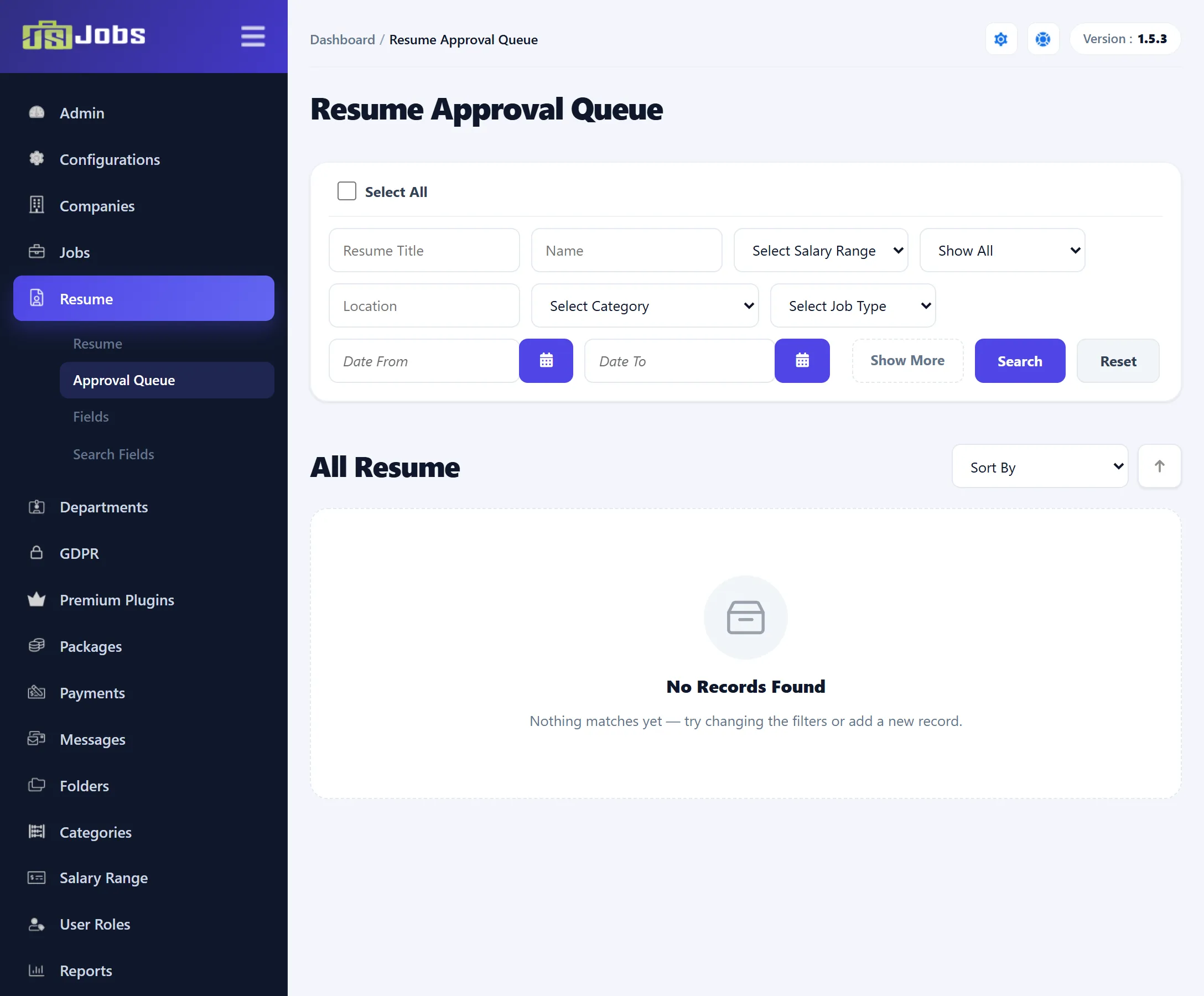
Resume → Approval Queue lists resumes that wait for a decision from you: new resumes that are not approved yet and, in Pro, requests to make a resume gold or featured.
How resumes get here
Section titled “How resumes get here”- New resumes. When Resume Auto Approve is set to No under Configurations → Job Seeker, every new resume is saved as pending and waits here. While it is pending it is not shown on the site, and it is not in the resume list. When the setting is Yes, new resumes are approved at once and never come here.
- Gold and featured requests (Pro). When a job seeker asks for a gold or featured resume and Gold Resume Auto Approve or Featured Resume Auto Approve is set to No, the request waits here.
Only new resumes are held. A job seeker editing an approved resume does not send it back to the queue.
What each row shows
Section titled “What each row shows”Each resume shows the same details as in the resume list, plus what is waiting, as coloured labels followed by Waiting For Approval:
| Label | Waiting for |
|---|---|
| Resume | Approval of the resume itself. |
| Gold (Pro) | Approval of the gold request. |
| Featured (Pro) | Approval of the featured request. |
A row can carry more than one label.
Approving and rejecting
Section titled “Approving and rejecting”When only one thing is waiting, the row has plain Approve and Reject buttons. When several things are waiting, hover over Approve or Reject to choose:
| Choice | What it does |
|---|---|
| Resume Approve / Resume Reject | Approves or rejects the resume. |
| Gold Approve / Gold Reject (Pro) | Approves or rejects the gold request. An approved request runs for Gold Resume Expire In Days from today. |
| Feature Approve / Feature Reject (Pro) | The same for the featured request, using Featured Resume Expire In Days. |
| All Approve / All Reject | Everything waiting on that row at once. |
Approving or rejecting the resume sends the job seeker the resume status e-mail, when Resume Status is switched on for job seekers under Email Templates → Options. Gold and featured decisions send no e-mail.
The row leaves the queue once nothing on it is waiting. An approved resume then appears in the resume list and on the site; a rejected one appears in the list as Rejected and stays hidden on the site.
Searching and sorting
Section titled “Searching and sorting”The filters and Sort By work as in the resume list, without the status filter. In Pro, the Show All list narrows the queue to resumes waiting for Gold, Featured, or Gold & Featured approval.
Opening and deleting
Section titled “Opening and deleting”Click the name or photo to open the resume (see Editing a resume). Delete and Force Delete work as in the resume list.