
Cover letters
A cover letter is a short letter you send with your resume to introduce yourself. JS Jobs keeps your cover letters so you can pick one each time you apply for a job. Sending one is optional.
Write a cover letter
Section titled “Write a cover letter”-
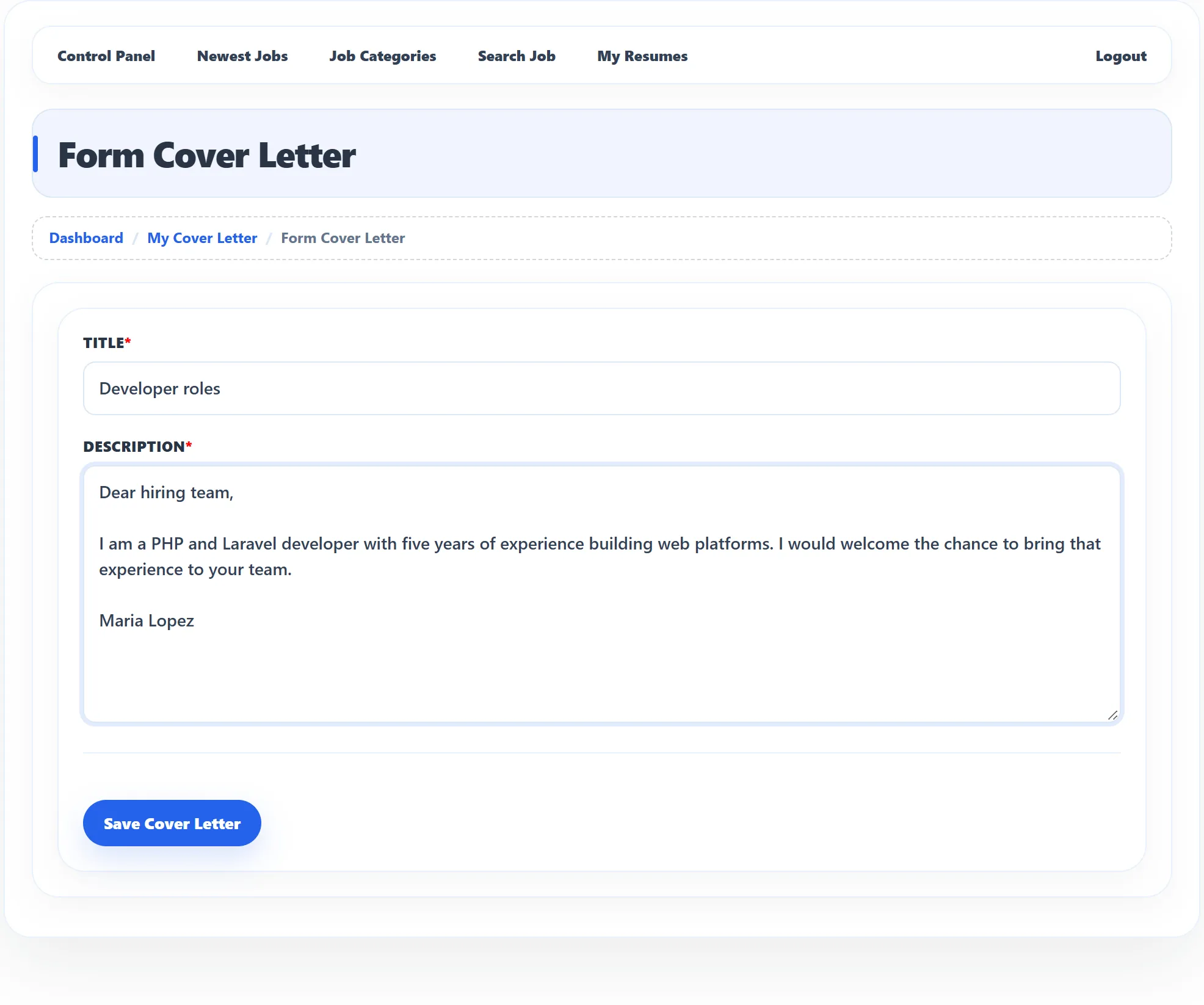
In the Job Seeker Control Panel, click Add Cover Letter, or click + Add Cover Letter on My Cover Letter. While applying, the Add Cover Letter link in the Apply Now box opens the same form.
-
Enter a Title. It is the name you pick the letter by when you apply, so make it clear, for example “Developer roles”.
-
Write the letter in Description.
-
Click Save Cover Letter.
Both fields are required. You see Cover Letter has been saved successfully and go back to My Cover Letter.
My Cover Letter
Section titled “My Cover Letter”Click My Cover Letter in the Job Seeker Control Panel. Each letter shows its title and the date it was Created, with three buttons:
| Button | What it does |
|---|---|
| Edit | Opens the letter in the form (Edit Cover Letter). |
| View | Shows the letter (View Cover Letter). |
| Delete | Deletes the letter, after you confirm. |
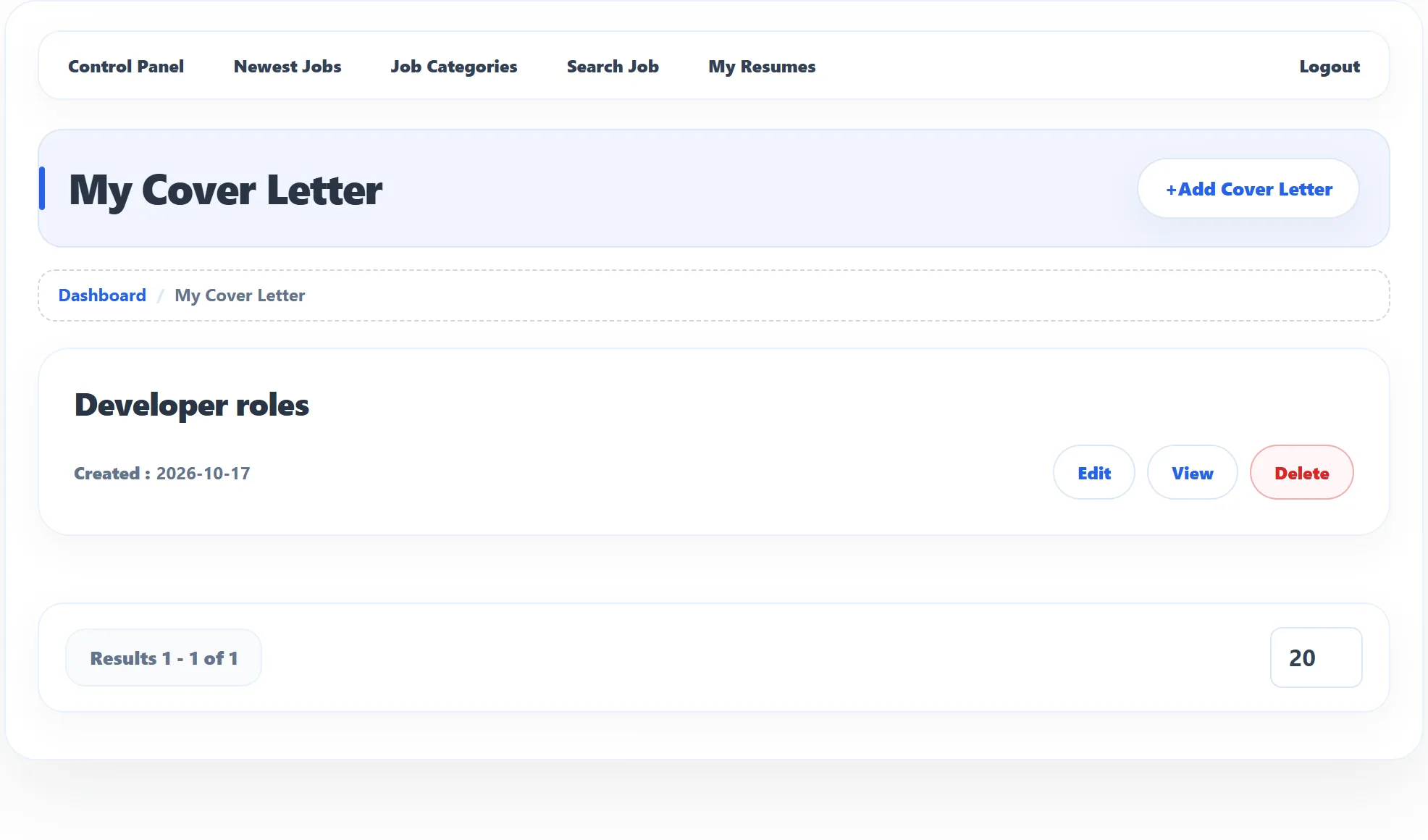
You can’t delete a cover letter you have sent with an application: the message Cover Letter is in use and cannot be deleted appears. Edit it instead if you want to change it for future applications.
The employer sees the letter you sent under the application. In My Applied Jobs, Applied Info shows which letter you sent with each application.
When you can’t add a cover letter
Section titled “When you can’t add a cover letter”On sites that sell job seeker packages, your package sets how many cover letters you may write. Instead of the form you may see You do not have the package, Your current package is expired, or Cover letter limit exceeds when you have reached the limit. See Packages.