
Salary ranges
Employers and job seekers pick salaries from drop-downs filled by two lists you manage under Components → JS Jobs → Salary Range:
- Salary Range: amount bands such as 1000 – 1500.
- Salary Range Type: the period the amount is for, such as Per Month.
The currency comes from the Currencies list.
How the ranges are used
Section titled “How the ranges are used”| Where | What the user picks | What is shown |
|---|---|---|
| Job form | A From range and a To range, a currency and a salary type. Both drop-downs list only the start amount of each range. | The start amount of the From range to the start amount of the To range, for example $ 1500 - 3000 Per Month. |
| Resume form | A range for the current salary and one for the desired salary, each with a currency and a salary type. | The whole range, start to end. |
New forms start on the default range, the default salary type and the default currency. Whether the currency symbol goes before or after the amounts is Currency Symbol Position in Configurations.
Because jobs only use the start amounts, a job’s salary can only begin or end on a figure that is the start of one of your ranges. Add ranges for the figures your employers need.
Salary Range
Section titled “Salary Range”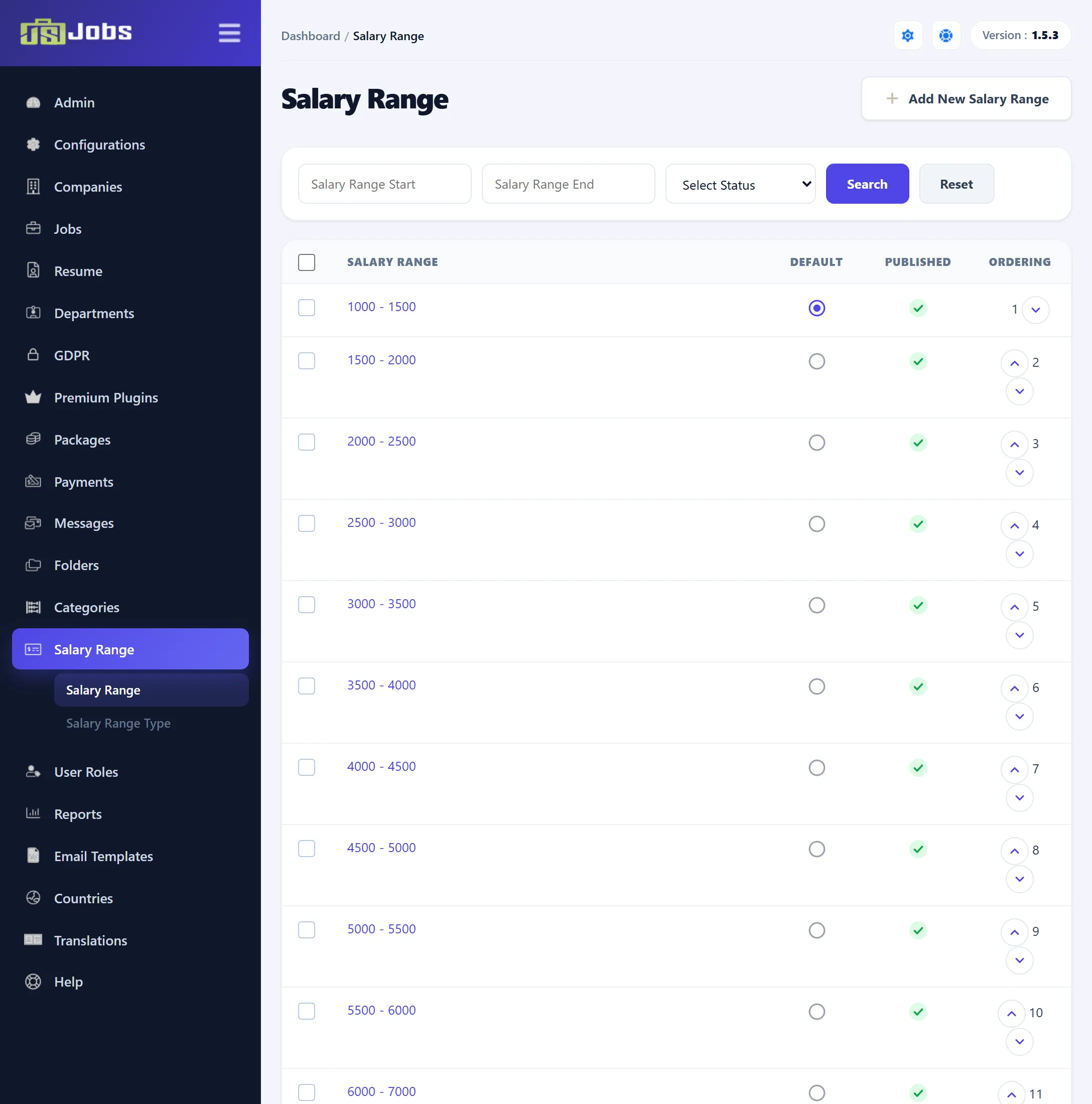
The list shows each range as start – end, with the Default, Published and Ordering columns that the lookup lists have: click a circle to make a published range the default, click the tick or cross to publish or unpublish, and use the arrows to move a range. You can filter by Salary Range Start, Salary Range End and status.
-
Click Add New Salary Range, or click a range to edit it.
-
Fill in the form and click Save Salary Range.
| Field | What it does |
|---|---|
| Salary Range Start | The lower amount, as a number. Required. |
| Salary Range End | The upper amount. Required. The form doesn’t save if the start isn’t less than the end. |
| Status | Tick Publish to offer the range on the site. |
A range with the same start and end as an existing one can’t be added. The default range can’t be unpublished.
A new install has fifteen ranges: 1000 – 1500 up to 5500 – 6000 in steps of 500, then 6000 – 7000 up to 9000 – 10000 in steps of 1000, and 10000 – 10000. 1000 – 1500 is the default.
Delete removes the ticked ranges that aren’t in use. A range is kept if it is the default, a job’s From or To range, or a resume’s current salary.
Salary Range Type
Section titled “Salary Range Type”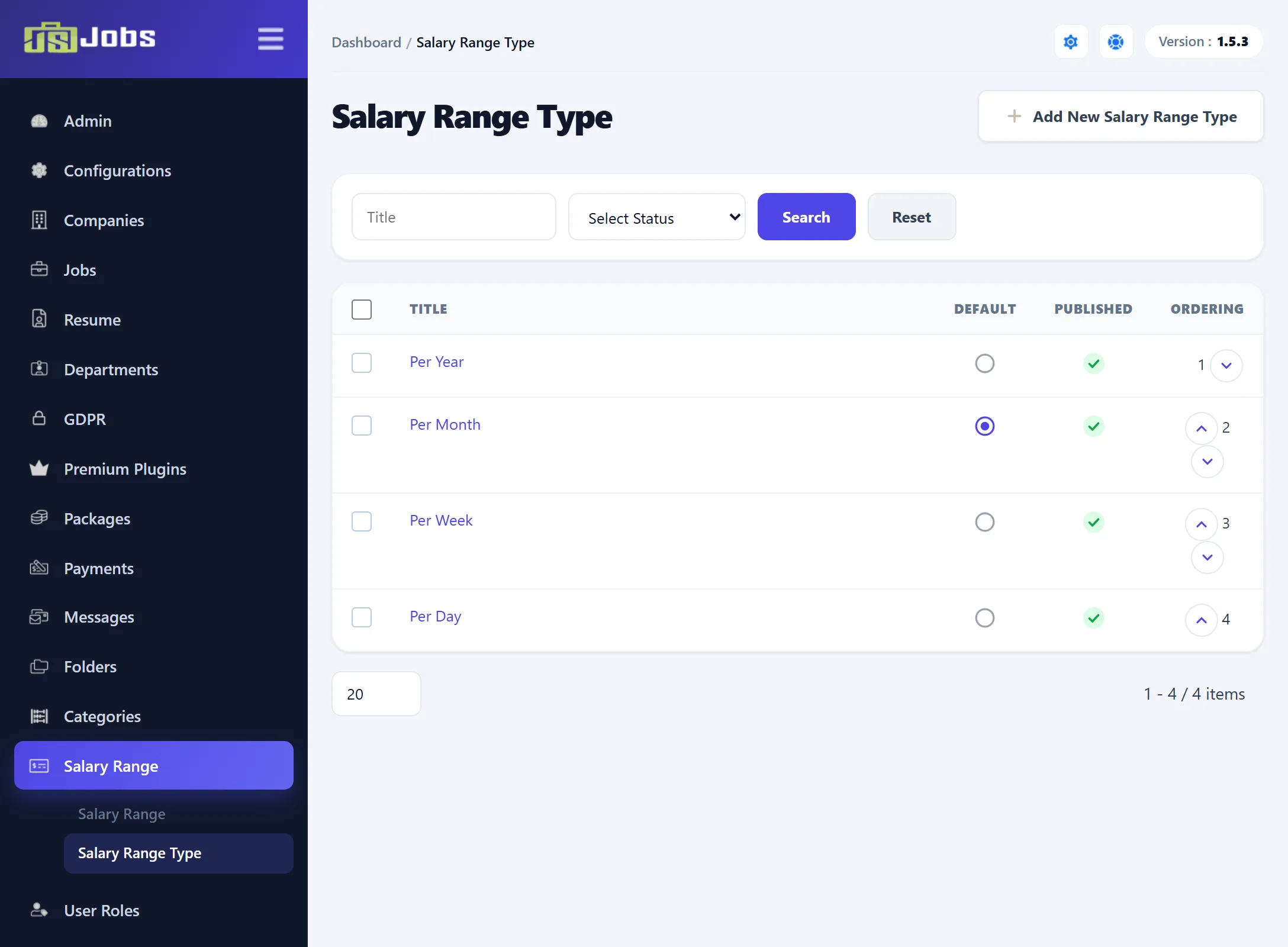
This list works exactly like the lookup lists: a Title, a Publish tick, a default, and ordering. Click Add New Salary Range Type to add one and Save Salary Range Type to save it.
A new install has Per Year, Per Month (the default), Per Week and Per Day.
Delete keeps a type that is the default or that a job uses.