Packages and credits
A site can run with or without packages. Without packages you can add companies and jobs freely; My Stats then shows Package Not Required. With packages, what you may do depends on the packages you hold: each one gives you a number of credits (companies, jobs, gold and featured listings, resume views…) for a number of days.
The site may give new employers a package automatically when they sign up.
Browse the packages
Section titled “Browse the packages”Click Packages on the dashboard. Each package shows its name, its price (or Free), what it includes and Expire In Days, the number of days it lasts from the day you get it.
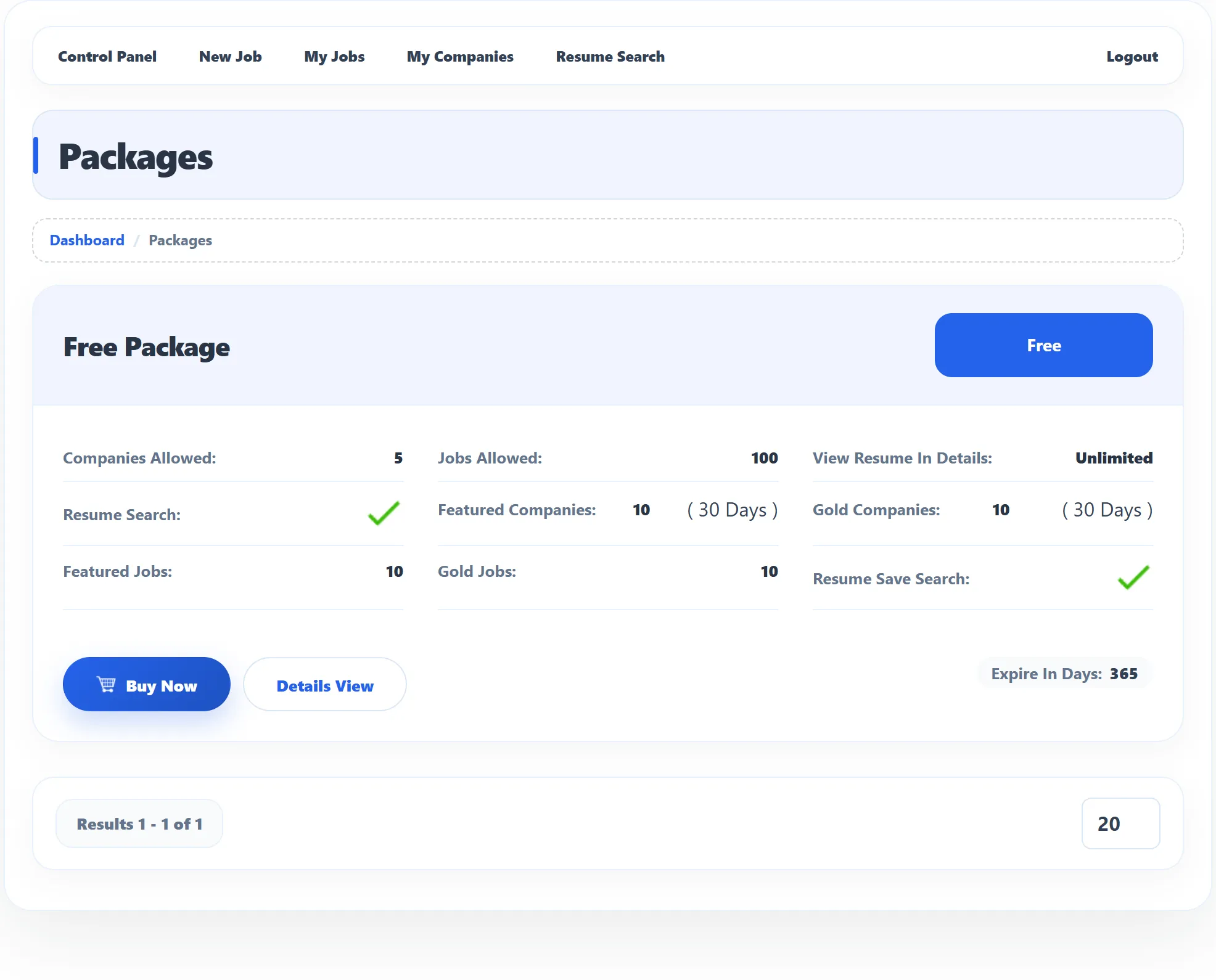
Details View shows everything the package includes. Buy Now takes you to the purchase page.
What a package includes
Section titled “What a package includes”| Item | What it allows |
|---|---|
| Companies Allowed | How many companies you can add. |
| Jobs Allowed | How many jobs you can post. |
| View Resume In Details | How many applicants’ resumes you can open in full, per job. Opening one you’ve already seen is free. |
| Resume Search | Whether you can search resumes and browse them by category. |
| Resume Save Search | Whether you can save resume searches. |
| Gold Companies / Featured Companies | How many companies you can promote, and for how many days each promotion lasts. |
| Gold Jobs / Featured Jobs | How many jobs you can promote. |
| Folders (Pro) | How many resume folders you can create. |
| Messages Allow (Pro) | Whether you can start conversations with applicants. |
| Enforce Unpublish job | If set, every job you post stays up for this fixed time (days, weeks or months) after its start date; you can’t choose the stop date. |
Unlimited means there is no limit. If you hold more than one valid package, their credits add up.
Get a package
Section titled “Get a package”-
On Packages, click Buy Now on the package you want.
-
Check the details, then:
- for a free package, click Buy Now;
- for a paid package (Pro), click Buy Now to show the Payment Methods, then click the button of the method you want to use.
A free package is added at once: you see Package has been saved successfully and land on your purchase history. The site can allow each free package only once; trying again shows Can not get free package more then once.
A paid package takes you to the payment provider. The package starts working once the payment is confirmed.
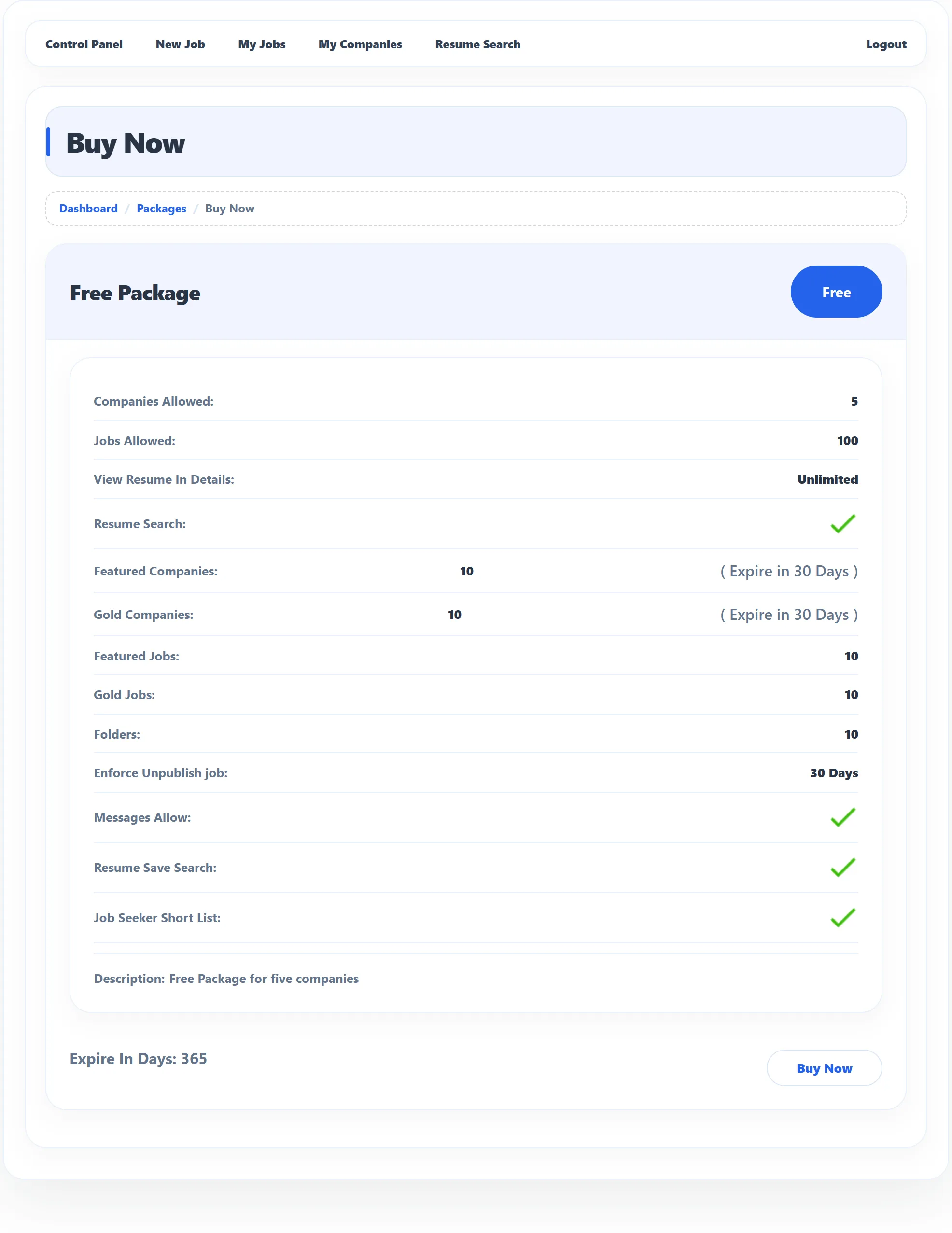
If the package has a discount running, the discounted price is shown, with the site’s discount message.
Using credits
Section titled “Using credits”Credits are used as you work. You don’t spend them by hand:
| You… | Uses |
|---|---|
| add a company | one company |
| post a job (or copy one) | one job; with more than one package, pick which under Select Package |
| click Mark as Gold / Mark as Featured on a company | one gold / featured company |
| tick Gold Job / Featured Job on the job form, or click Mark as Gold / Mark as Featured on My Jobs | one gold / featured job |
| open an applicant’s resume in full for a job | one resume view for that job |
| create a folder | one folder |
My Stats shows, for jobs and companies, how many your packages allow and how many are left. See Your employer dashboard.
When you run out
Section titled “When you run out”When an action needs a package you don’t have, the page shows a message with a link back to Packages:
| Message | Means |
|---|---|
| You do not have the package | You have no employer package yet. |
| Your current package is expired | All your packages have passed their Expire In Days. |
| Company limit exceeds / job limit exceeds | You’ve used all companies or jobs your packages allow. |
| Resume search is not allowed in the package | Your packages don’t include resume search. |
The dashboard also warns you, in red, when your package has expired.
Purchase history (Pro)
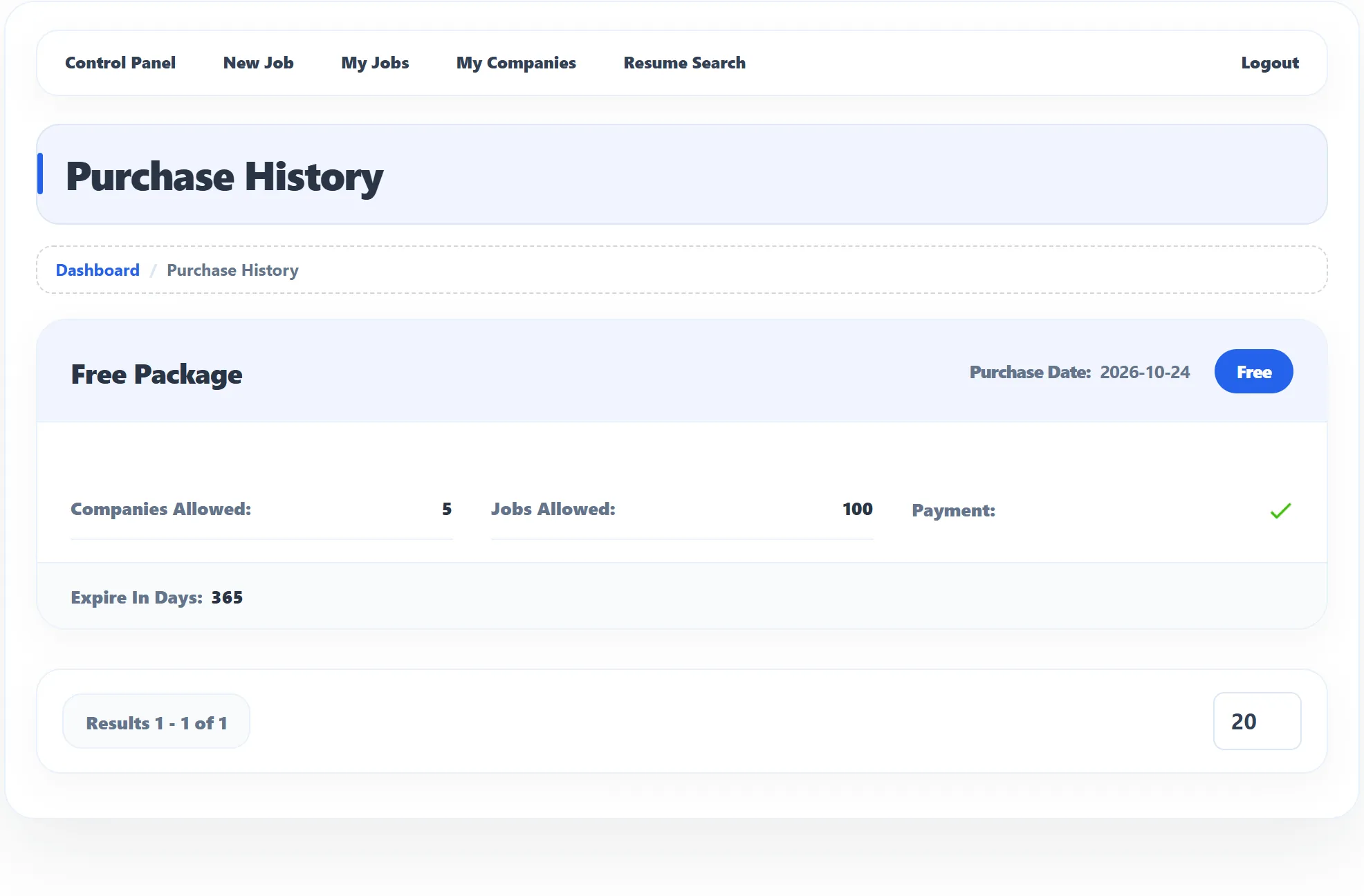
Section titled “Purchase history (Pro)”Purchase History on the dashboard lists the packages you got, newest first: the package name, what you paid (or Free), the date, Companies Allowed, Jobs Allowed, Expire In Days and Payment. A tick under Payment means the payment is confirmed; a cross means it isn’t yet. A package past its time is marked Expired. With no purchases the page reads Could not find any matching results.