
Premium plugins
Components → JS Jobs → Premium Plugins shows the two paid add-ons that connect JS Jobs to other Joomla extensions, and whether each one is ready on your site. The screen is the same in the Free and Pro editions.
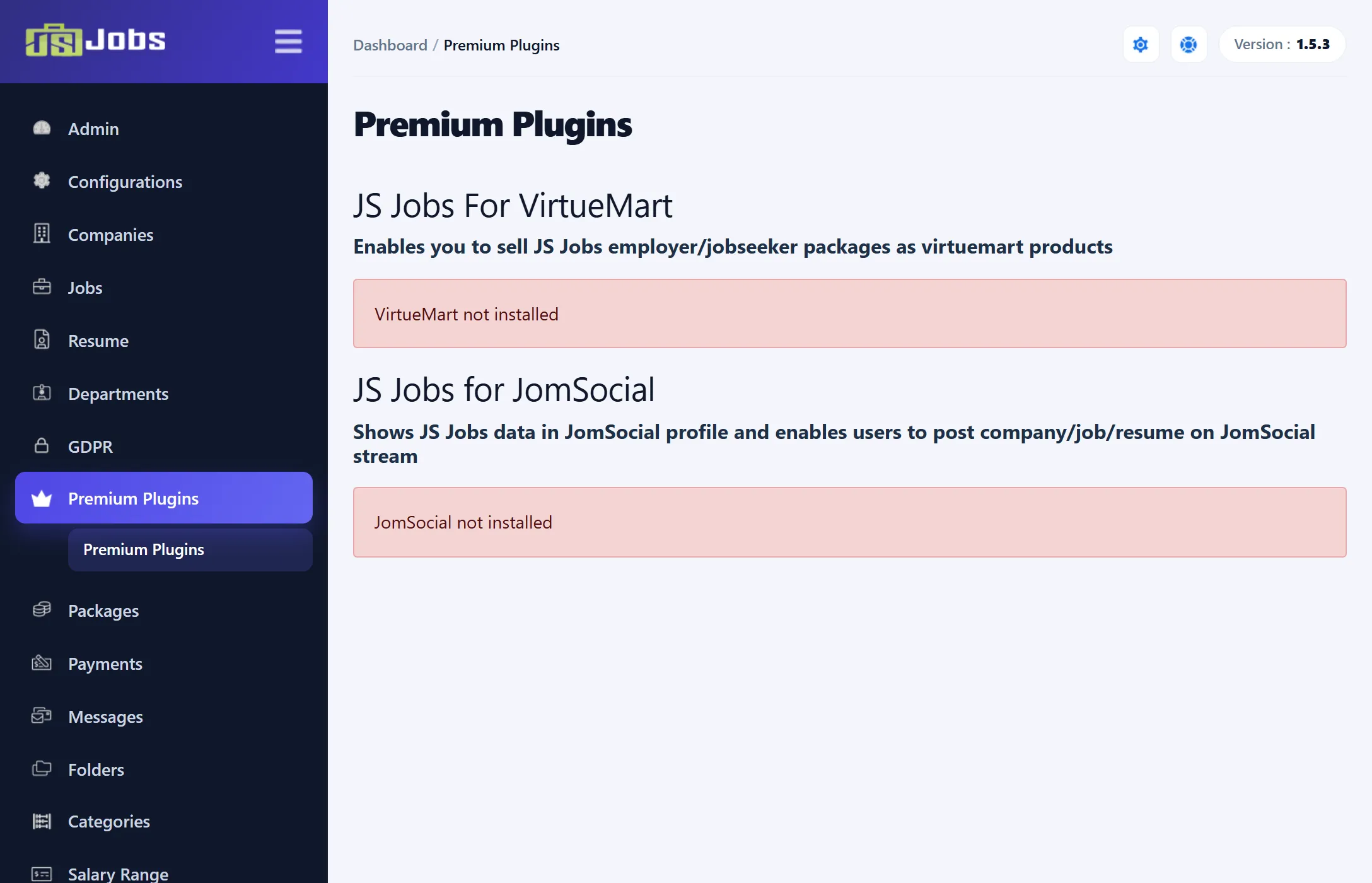
The two add-ons
Section titled “The two add-ons”| Add-on | What it does |
|---|---|
| JS Jobs For VirtueMart | Sells JS Jobs employer and job seeker packages as VirtueMart products, so buyers go through your VirtueMart shop and checkout. |
| JS Jobs for JomSocial | Shows JS Jobs data in JomSocial profiles and lets users post their company, job or resume to the JomSocial activity stream. |
Each add-on needs its own extension installed first: VirtueMart or JomSocial.
What each box tells you
Section titled “What each box tells you”The box for an add-on goes through these states:
| Message | Meaning |
|---|---|
| “VirtueMart not installed” or “JomSocial not installed” | The extension the add-on works with isn’t installed. Nothing else is shown. |
| “JS Jobs plugin for VirtueMart not installed” (or JomSocial) | The extension is there but the JS Jobs add-on isn’t. The box shows a license key field and an Install And Activate button. |
| “JS Jobs plugin for VirtueMart is installed” (or JomSocial) | The add-on is installed but not activated. The button reads Activate. |
| “JS Jobs plugin for VirtueMart is active” or “JS Jobs plugin for JomSocial is active” | The add-on is installed and activated. The box is marked as active. |
Below the key field, Purchase it here opens the add-on’s page on joomsky.com.
If Joomla’s tmp folder can’t be written to, the box says so and the Install And Activate button is greyed out.
Installing an add-on
Section titled “Installing an add-on”In 1.5.3 the screen can’t install or activate an add-on itself. Clicking Install And Activate or Activate only shows the message “Remote premium plugin activation has been disabled for security. Please install premium integrations using Joomla Extension Manager with the official package.”
Install an add-on the usual Joomla way:
- Get the add-on’s official installation package.
- Go to System → Install → Extensions and upload the package.
- Come back to Premium Plugins to check its status.
VirtueMart and packages (Pro)
Section titled “VirtueMart and packages (Pro)”In JS Jobs Pro, with JS Jobs For VirtueMart installed and enabled, the employer and job seeker package forms show the add-on’s own fields, for linking the package to a VirtueMart product. One product can be linked to only one package: saving a package with a product that another package already uses fails with “Virtuemart product already in use”. Packages themselves are described in How packages work.