
Modules and plugins
JS Jobs comes with Joomla modules, which show job board content in your template’s module positions, and plugins, which add job board content to articles or hook into Joomla’s login and registration.
The Free edition installs two of them: the JS Jobs Login module and the JSJobs Register plugin. JS Jobs Pro adds the other 20 modules and 18 plugins.
Modules
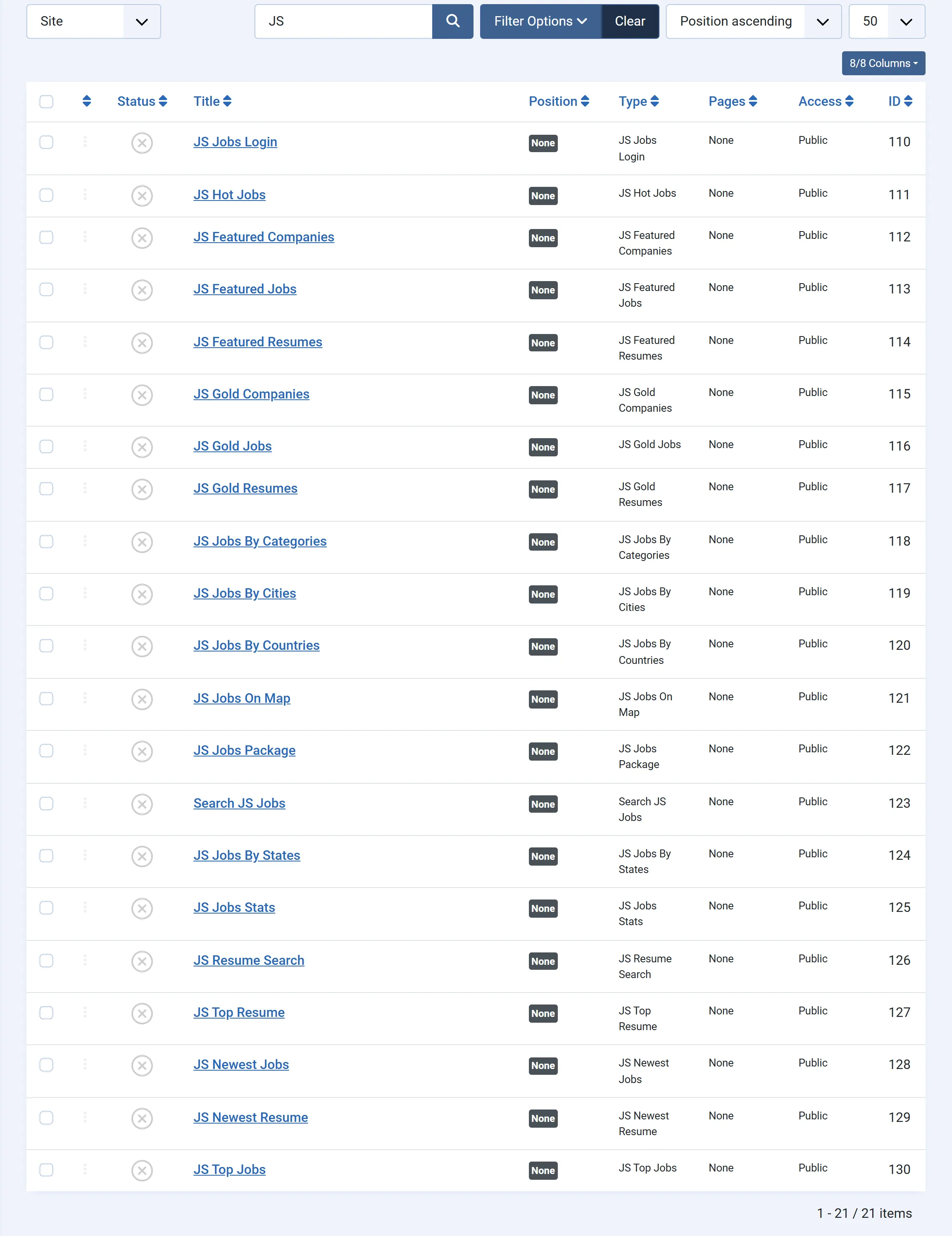
Section titled “Modules”All modules are site modules. Installing them leaves one copy of each in Content → Site Modules, unpublished and with no position.
| Module | Shows | Edition | Page |
|---|---|---|---|
| JS Newest Jobs | The latest jobs | Pro | Job listing modules |
| JS Hot Jobs | The jobs with the most applications | Pro | Job listing modules |
| JS Top Jobs | The most viewed jobs | Pro | Job listing modules |
| JS Featured Jobs | Featured jobs | Pro | Job listing modules |
| JS Gold Jobs | Gold jobs | Pro | Job listing modules |
| JS Featured Companies | Featured companies | Pro | Company modules |
| JS Gold Companies | Gold companies | Pro | Company modules |
| JS Newest Resume | The latest resumes | Pro | Resume modules |
| JS Top Resume | The most viewed resumes | Pro | Resume modules |
| JS Featured Resumes | Featured resumes | Pro | Resume modules |
| JS Gold Resumes | Gold resumes | Pro | Resume modules |
| Search JS Jobs | A job search form | Pro | Search modules |
| JS Resume Search | A resume search form | Pro | Search modules |
| JS Jobs By Categories | Categories with their job counts | Pro | Browse-by modules |
| JS Jobs By Cities | Cities with their job counts | Pro | Browse-by modules |
| JS Jobs By States | States with their job counts | Pro | Browse-by modules |
| JS Jobs By Countries | Countries with their job counts | Pro | Browse-by modules |
| JS Jobs On Map | Jobs on a Google map | Pro | Map, stats and package modules |
| JS Jobs Stats | Site totals | Pro | Map, stats and package modules |
| JS Jobs Package | Employer or job seeker packages | Pro | Map, stats and package modules |
| JS Jobs Login | A login form | Free and Pro | Login and registration |
Plugins
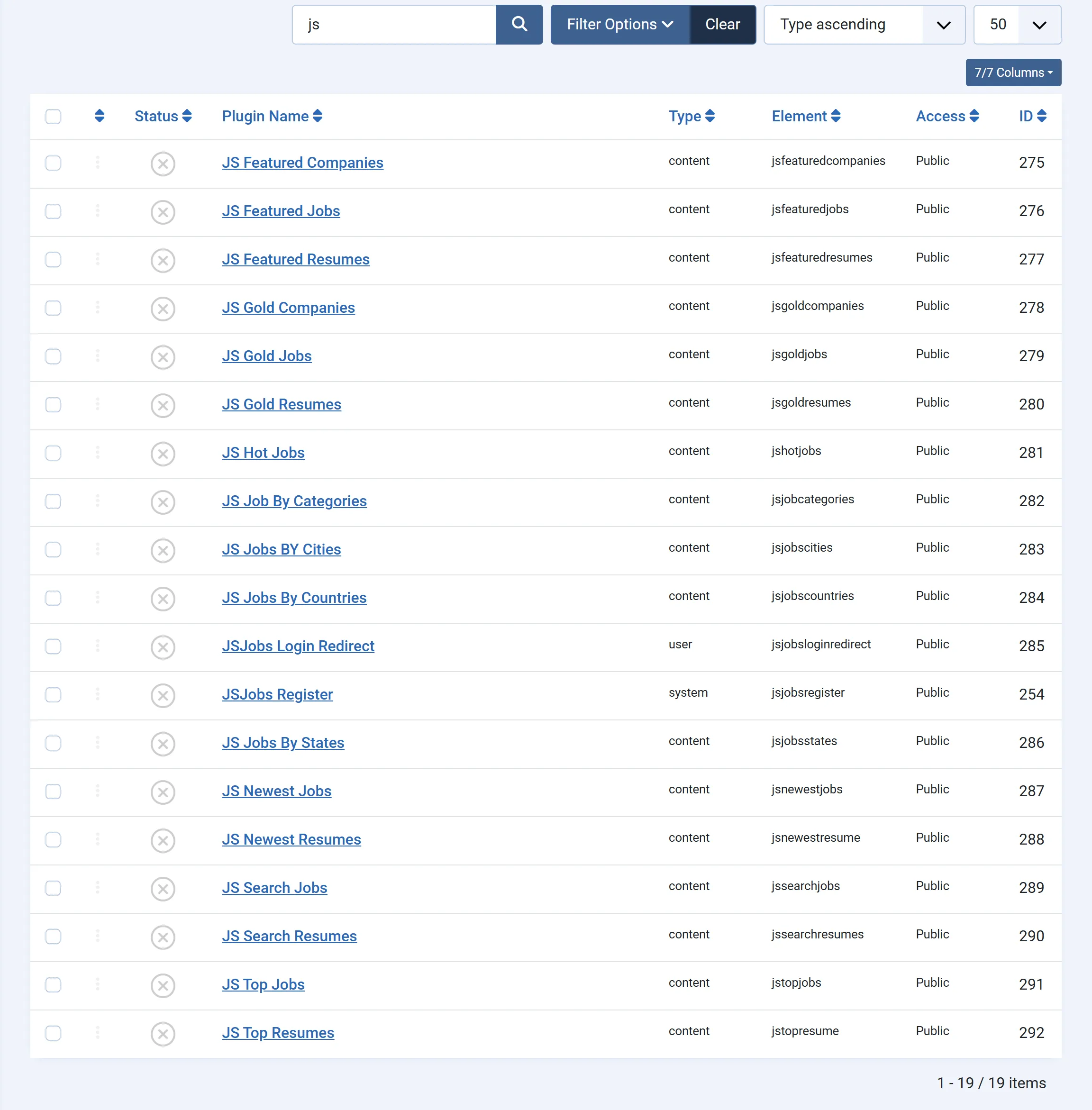
Section titled “Plugins”A plugin only works while it is enabled. Check its status under System → Manage → Plugins (search for “js”) and click the cross in the Status column to enable it.
| Plugin | Type | Does | Edition | Page |
|---|---|---|---|---|
| JS Newest Jobs, JS Hot Jobs, JS Top Jobs, JS Featured Jobs, JS Gold Jobs | content | Show a job list inside an article | Pro | Content plugins |
| JS Featured Companies, JS Gold Companies | content | Show a company list inside an article | Pro | Content plugins |
| JS Newest Resumes, JS Top Resumes, JS Featured Resumes, JS Gold Resumes | content | Show a resume list inside an article | Pro | Content plugins |
| JS Search Jobs, JS Search Resumes | content | Show a search form inside an article | Pro | Content plugins |
| JS Job By Categories, JS Jobs BY Cities, JS Jobs By States, JS Jobs By Countries | content | Show browse-by tiles inside an article | Pro | Content plugins |
| JSJobs Register | system | Gives new users their employer or job seeker role when they register | Free and Pro | Login and registration |
| JSJobs Login Redirect | user | Sends employers and job seekers to their own page after logging in | Pro | Login and registration |
Putting a module on your site
Section titled “Putting a module on your site”-
Go to Content → Site Modules and open the module, for example JS Newest Jobs. To make another copy, click New and choose the module from the list of module types.
-
On the Module tab, fill in its settings. Each module’s page lists them.
-
Choose a Position, set Status to Published, and on the Menu Assignment tab choose the pages it should appear on.
-
Click Save & Close.
You can have as many copies of a module as you like, each with its own settings: for example a JS Newest Jobs in the sidebar showing three jobs and another on the home page showing twelve in a grid.
What the list modules have in common
Section titled “What the list modules have in common”The job, company, resume and browse-by modules share one design and one set of behaviours:
- They take their colours from Configurations → Themes, so they match the rest of the job board.
- When there is nothing to show, they say so (“No jobs found”, “No companies found”, “No resumes found” or “Nothing to browse yet”) instead of disappearing.
- Their heading is Joomla’s own module title, set with the Title field and the Title switch on the right of the Module tab.
- Link target menu item sets which menu item the links open in, which decides the page’s template and modules. Choose the menu item that holds your job board, such as your Jobs page. With no menu item set, the links use the page the visitor is on.
Free and Pro
Section titled “Free and Pro”The Free edition has the JS Jobs Login module and the JSJobs Register plugin, the same as in Pro. Upgrading to Pro installs the rest. The Premium Plugins screen, for the VirtueMart and JomSocial add-ons, is in both editions; see Premium plugins.