
Reports
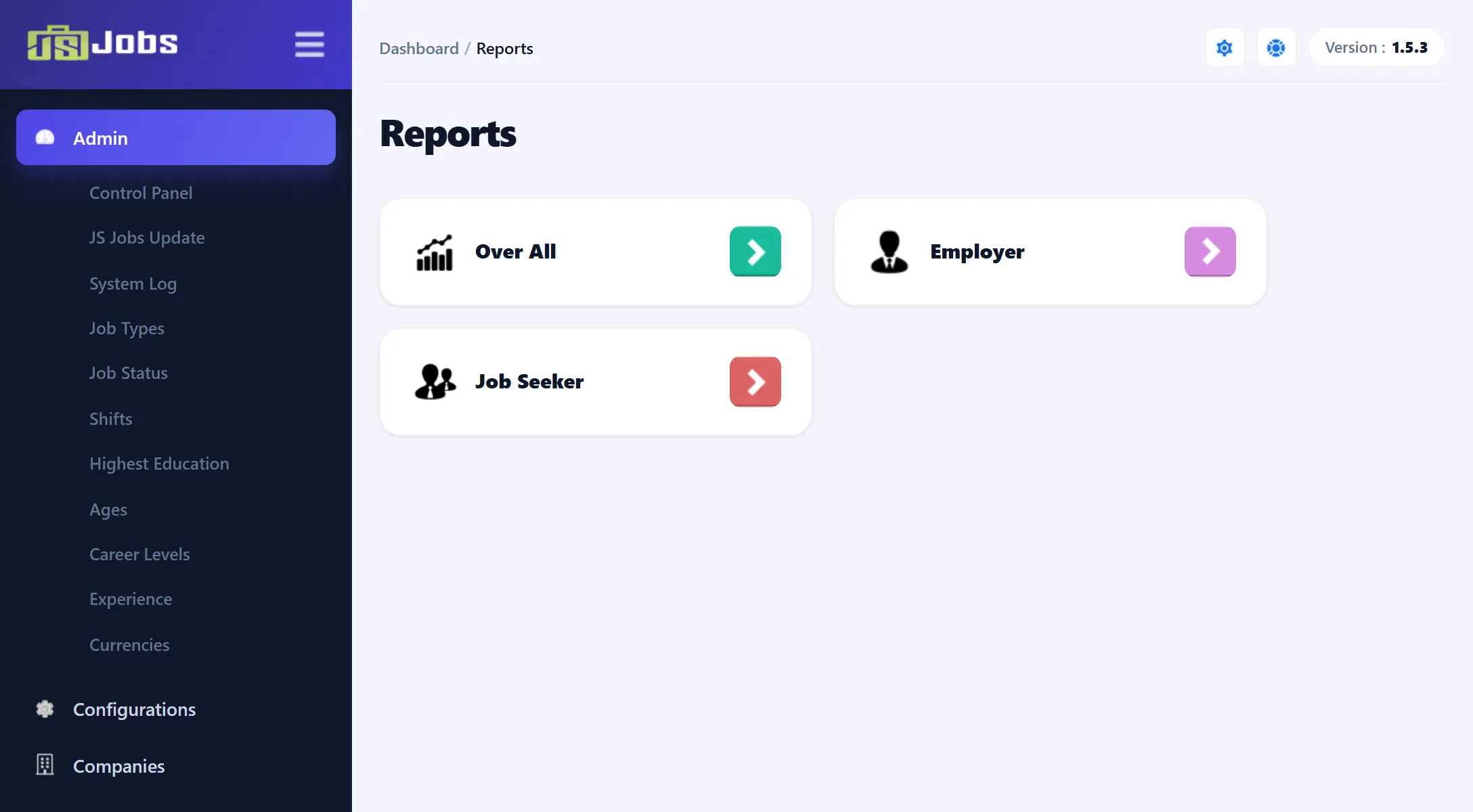
Components → JS Jobs → Reports opens a screen with three cards. Each card opens one report:
| Card | Opens | What it’s about |
|---|---|---|
| Over All | Overall Reports | Jobs, resumes, companies and applications across the whole site. |
| Employer | Employer Reports | Jobs: how many are live, gold and featured, and how they spread over categories, cities, types and companies. |
| Job Seeker | Job Seeker Reports | Resumes and applications, and how resumes spread over categories, job types and education. |
Each report screen has the same layout: a row of number boxes at the top, a line chart of the past month day by day, then a set of bar and pie charts.
What all the reports have in common
Section titled “What all the reports have in common”- No filters. The reports can’t be narrowed to a date range, a company or a category. They always show the same period.
- The past month. The number boxes and the line chart cover the past month: today and each day back to the same date last month. That date itself is not in the totals.
- All time for the breakdowns. The bar and pie charts underneath count everything on the site, not just the past month. Each shows the top five, so entries with no jobs or resumes can still appear with 0 when there are fewer than five with any.
- Any status. Unless a report says otherwise, the counts include records waiting for approval and rejected ones.
- Google charts. The charts are drawn with Google’s chart library, which your browser loads from google.com. Without an internet connection, or if something blocks Google’s scripts, the number boxes still show but the charts stay empty. Long names are cut short with “…” on the bar charts; hover over a bar to see the full name.
The Reports screens are not in the Free edition.
Other figures
Section titled “Other figures”- Purchases and payments have their own list under Payments → Payment Report. See Payment report.
- Employers and job seekers see their own figures under My Stats in their control panels; see the guides for employers and job seekers.