
Your data
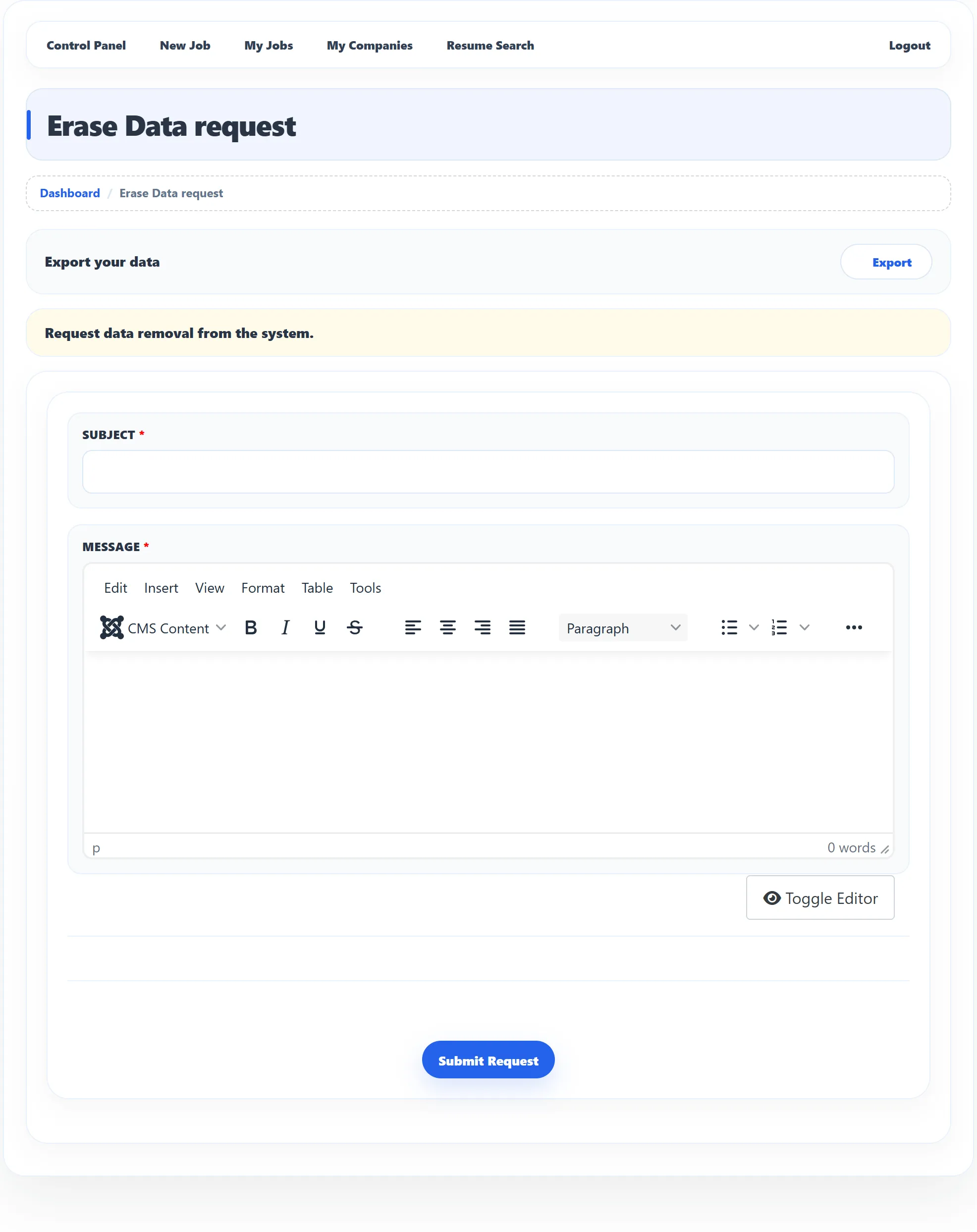
Click User Data on the dashboard. The page, Erase Data request, lets you download your data and ask the site owner to remove it.
Download your data
Section titled “Download your data”Next to Export your data, click Export. Your browser downloads an Excel
file (export-overall-reports.xls) with your employer data: your companies, jobs
and departments. If there is nothing to export you see No data found for
export.
Ask for your data to be erased
Section titled “Ask for your data to be erased”-
Under Request data removal from the system., enter a Subject and a Message, for example why you want your data removed. Both are required.
-
Click Submit Request and confirm.
You see Erase Data request has been saved successfully. The site owner receives the request (and, if the site sends it, an e-mail) and decides what to erase. Nothing is deleted at the moment you submit.
While your request is open, the page says You have filed a request to remove your data. You can still change the subject and message and submit again. To take the request back, use the link next to that line; you see Erase Data request has been deleted.