
Your profile
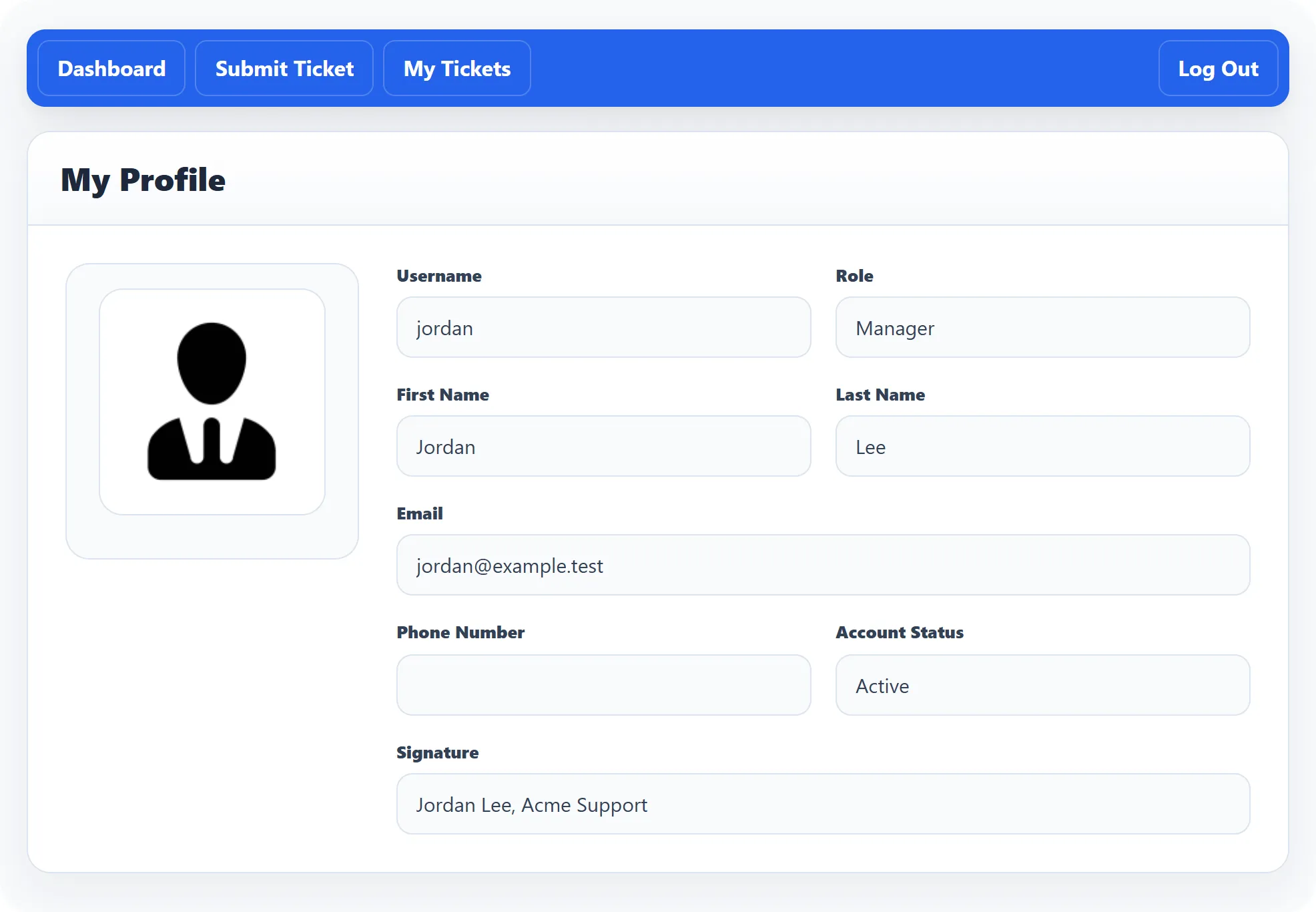
My Profile, on the staff dashboard, shows your staff record: Username, Role, First Name, Last Name, Email, Phone Number, Account Status and Signature.
Change a detail
Section titled “Change a detail”You can change First Name, Last Name, Phone Number and Signature yourself:
- Move the mouse over the field. An edit icon appears beside it.
- Click the icon. The field becomes editable.
- Make the change and click the save icon that replaces the edit icon.
The change is saved straight away; there is no separate save button. If it can’t be saved, you see Something went wrong. Please try again later.
Your username, e-mail address, role and account status can’t be changed here. Ask whoever manages staff (see Staff, roles and departments).
Your Signature is what Own signature adds to your replies. See Replying.
Change your photo
Section titled “Change your photo”Move the mouse over the picture. Click Select Image, choose a file, then click Upload Image. The file must respect the help desk’s file size and type limits. Your photo is shown next to your replies and in ticket lists.