
FAQs
FAQs are short question-and-answer entries, grouped by category. Manage them under Content → FAQs.
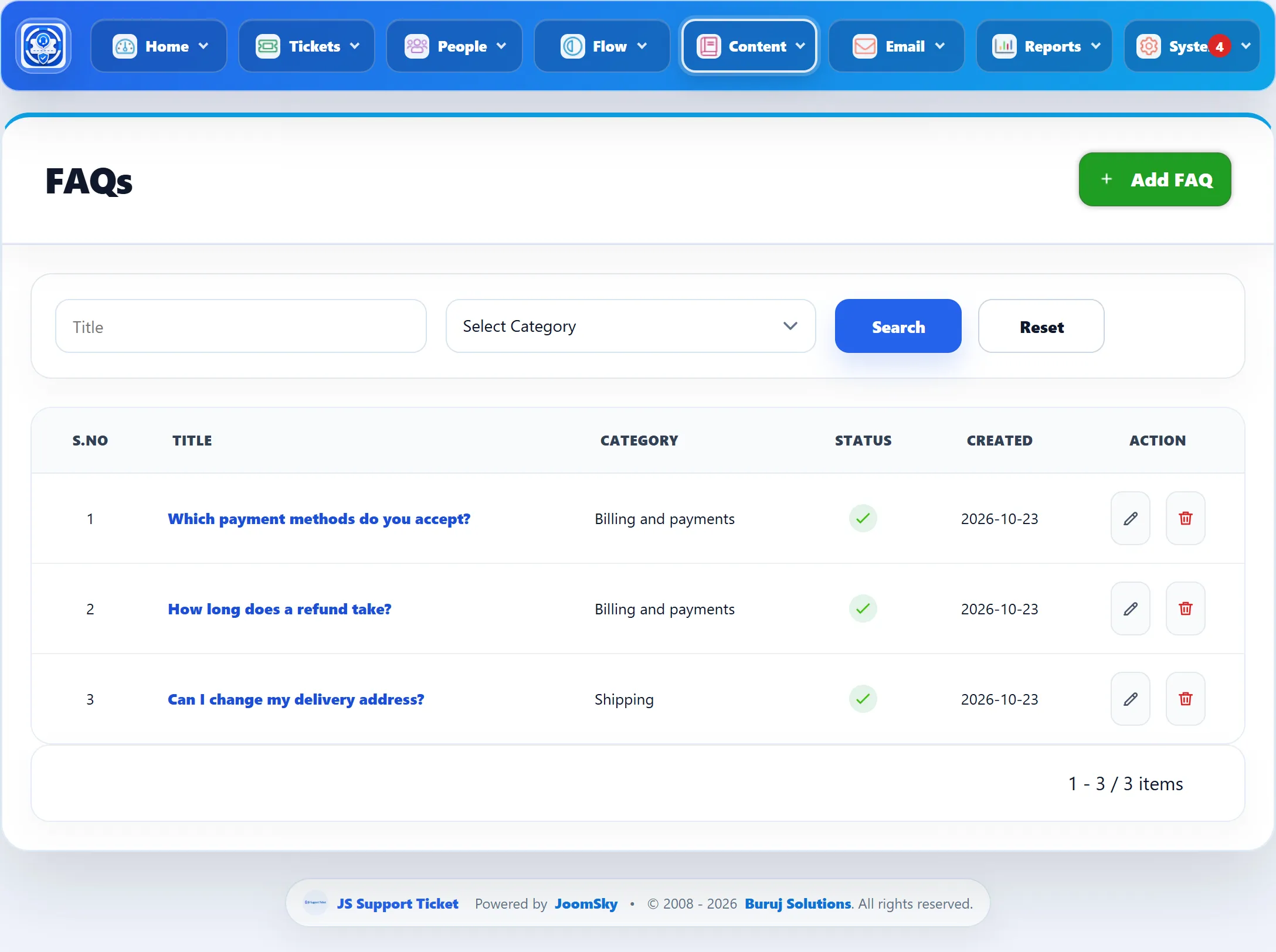
Above the list, Title searches the FAQ subjects and the category menu shows one category’s FAQs. Reset clears both. The columns are Title, Category, Status (a tick for active, a cross for disabled) and Created.
Adding an FAQ
Section titled “Adding an FAQ”-
Go to Content → Add FAQ, or click Add FAQ on the list.
-
Pick a Category, type the question as the Subject and write the answer under Content.
-
Click Save FAQ.
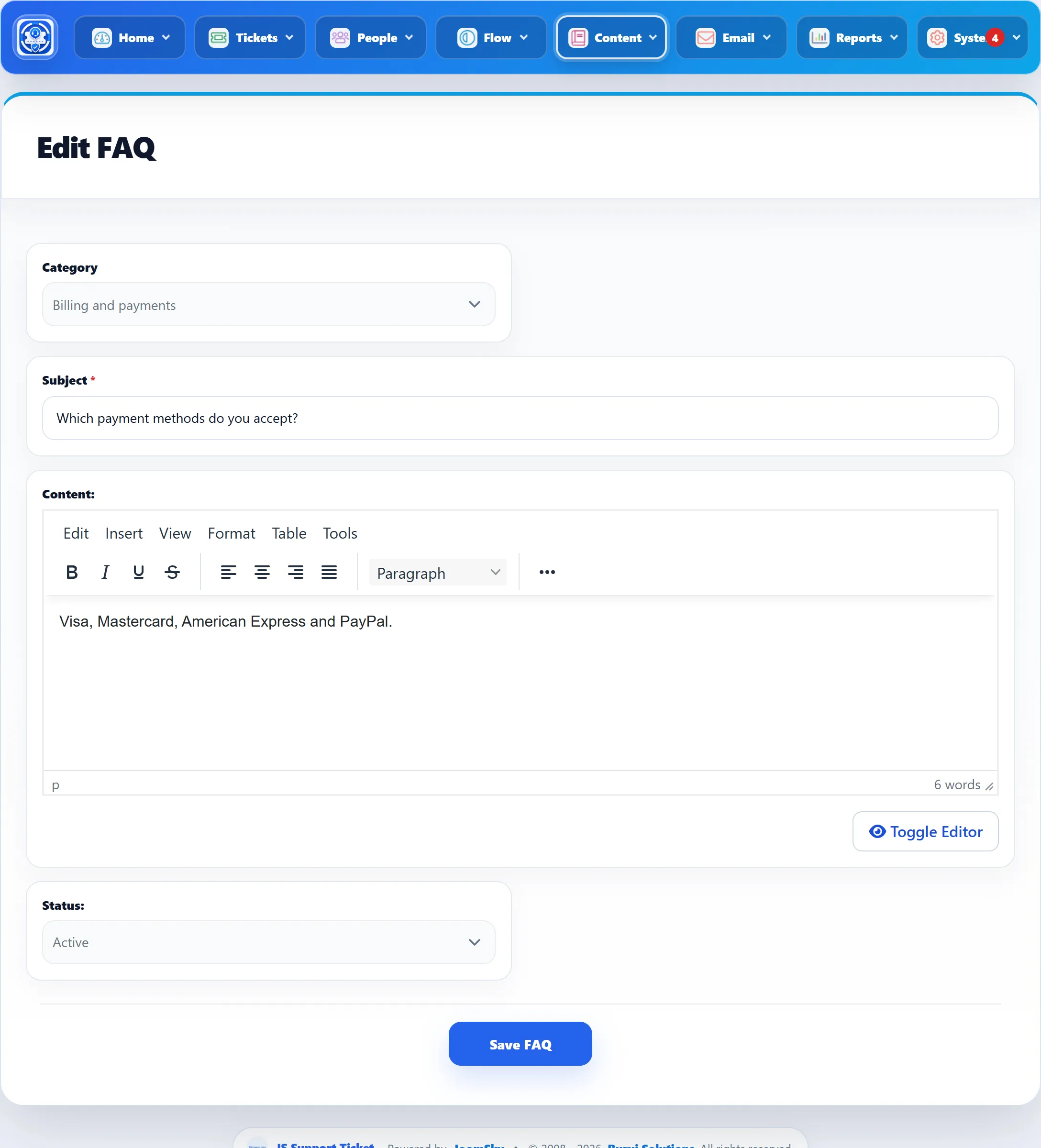
| Field | What it does | Default |
|---|---|---|
| Category | The category the FAQ is listed under. Only active categories with FAQs ticked are offered. See Categories. | Select Category |
| Subject | The question. Required. | – |
| Content | The answer, in your Joomla editor. | Empty |
| Status | Active FAQs are shown to customers; Disabled ones are hidden. | Active |
The toolbar has Save FAQ (stay on the form), Save & New and Save & Close.
To change an FAQ, click its title or the pencil. To remove one, click the bin icon and confirm. To hide an FAQ for a while without losing it, set its Status to Disabled.
Where customers see them
Section titled “Where customers see them”Customers open FAQs from the FAQs link on their dashboard or from a menu item, browse them by category and open one to read the answer. See FAQs in the guide for customers.
Staff whose role allows it can also add and edit FAQs from the front end.