
Privacy requests
Joomla has its own privacy tools under Users → Privacy: people ask for a copy of their data or for it to be removed, and you handle the request there. The Privacy - JS Support Ticket plugin makes those requests cover the help desk too. Without it, an export would leave out every ticket the person raised, and a removal would leave them untouched.
The plugin is switched on when the component is installed and has no settings.
Who a request covers
Section titled “Who a request covers”A privacy request names an e-mail address, and usually a Joomla user. The plugin looks for help desk data under either of them: the user’s account and the e-mail address. That matters because many tickets come from people who never had an account and only gave their address.
What the help desk reports
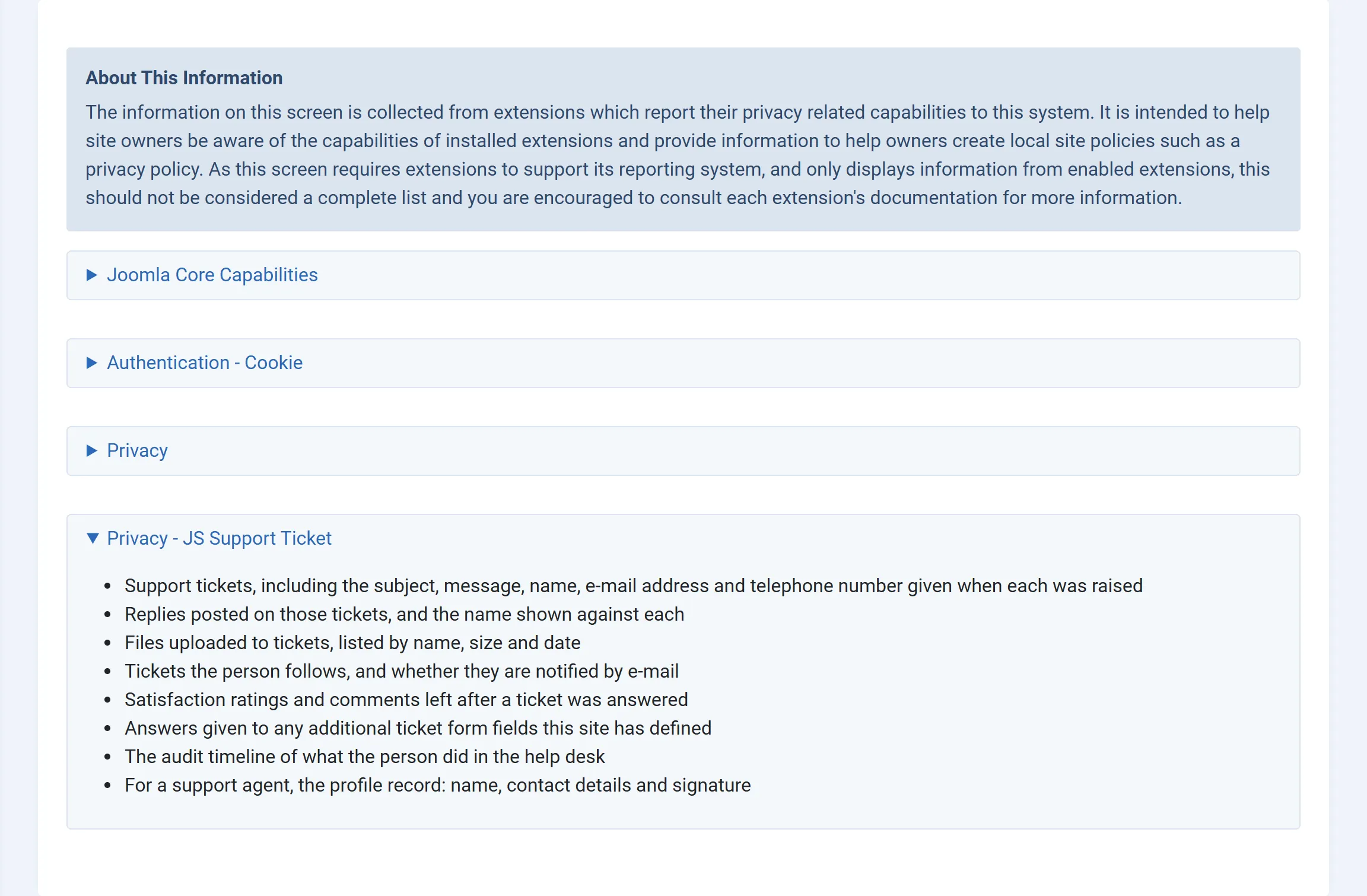
Section titled “What the help desk reports”Users → Privacy → Capabilities lists what each extension stores about people. Under Privacy - JS Support Ticket it lists:
- Support tickets, including the subject, message, name, e-mail address and telephone number given when each was raised
- Replies posted on those tickets, and the name shown against each
- Files uploaded to tickets, listed by name, size and date
- Tickets the person follows, and whether they are notified by e-mail (Pro)
- Satisfaction ratings and comments left after a ticket was answered (Pro)
- Answers given to any additional ticket form fields this site has defined
- The audit timeline of what the person did in the help desk
- For a support agent, the profile record: name, contact details and signature (Pro)
Export requests
Section titled “Export requests”When you export a person’s data from their request, the export includes a section for each of these:
| Section | What it contains |
|---|---|
| Tickets | Each ticket’s number, subject, message, name, e-mail, phone, department, priority, status, and when it was created and closed. |
| Replies | Every reply on those tickets, staff replies included, with the name shown and the date. |
| Attachments | The name, size and date of each file on those tickets. The files themselves are not included. |
| Custom fields | The person’s answers to your custom ticket fields, with each field’s title. |
| Feedback (Pro) | Ratings and remarks left on those tickets. |
| Watchers (Pro) | Tickets the person follows, and whether they get e-mail about them. |
| Activity (Pro) | The person’s entries in the help desk’s activity timeline. |
| Staff profile (Pro) | For an agent: name, username, e-mail, phone numbers, signature, department, and when they were added and last logged in. |
| Erase requests | Requests to erase data that the person made from the help desk’s front end. Only when the request is linked to a Joomla user. |
Removal requests
Section titled “Removal requests”Removing a person’s data does not delete their tickets. A ticket is also the record of the work your team did, and reports and SLA history depend on it. Instead, everything that identifies the person is replaced or removed:
- Tickets: the name becomes a label (see below), the e-mail address becomes
an address that can’t receive mail (ending in
@removed.invalid), and the phone number and extension are cleared. - Replies: the name on the person’s own replies becomes the same label. Staff replies are left as they are.
- Custom field answers on those tickets are deleted.
- Attachments on those tickets are deleted, files included.
- Watchers (Pro): the name and address are replaced, and e-mail notifications are turned off.
- Activity timeline (Pro): the name and address are replaced.
- Staff profile (Pro): the name is replaced, the surname, phone numbers, signature and photo are cleared, the address is replaced, and the agent is disabled.
The label is “User ID” followed by the Joomla user ID, or “Removed” followed by a short code made from the e-mail address for someone without an account. Every row belonging to the person gets the same label, so your team can still see that several tickets came from one person, without knowing who.
If one part of the removal fails (for example a table is missing on an older site), the other parts still run, and Joomla reports the request as failed with a message naming what could not be removed: “JS Support Ticket could not fully remove this person’s data: …”. Fix the cause and run the removal again.
In the Free edition
Section titled “In the Free edition”The Free edition has the same plugin for tickets, replies, attachments and custom field answers. Feedback, watchers, the activity timeline and staff profiles are Pro features, so they are not part of its export or removal. On removal, the Free edition also replaces the person’s name in each ticket’s history entries, such as “Ticket is created by …”.
The help desk’s own data requests
Section titled “The help desk’s own data requests”The component also has its own screen for erase-data requests, under System → GDPR / User Data. Customers send those from the help desk’s front end. Joomla’s privacy requests and that screen are separate; the plugin only answers requests made through Users → Privacy.