
Organisations
An organisation groups the customers who work at the same company. Each new ticket is matched to an organisation by the customer’s e-mail address. You can then filter the ticket list by organisation, and, if you allow it, colleagues can read each other’s tickets.
Open Flow → Organisations. Only Joomla Super Users can manage organisations.
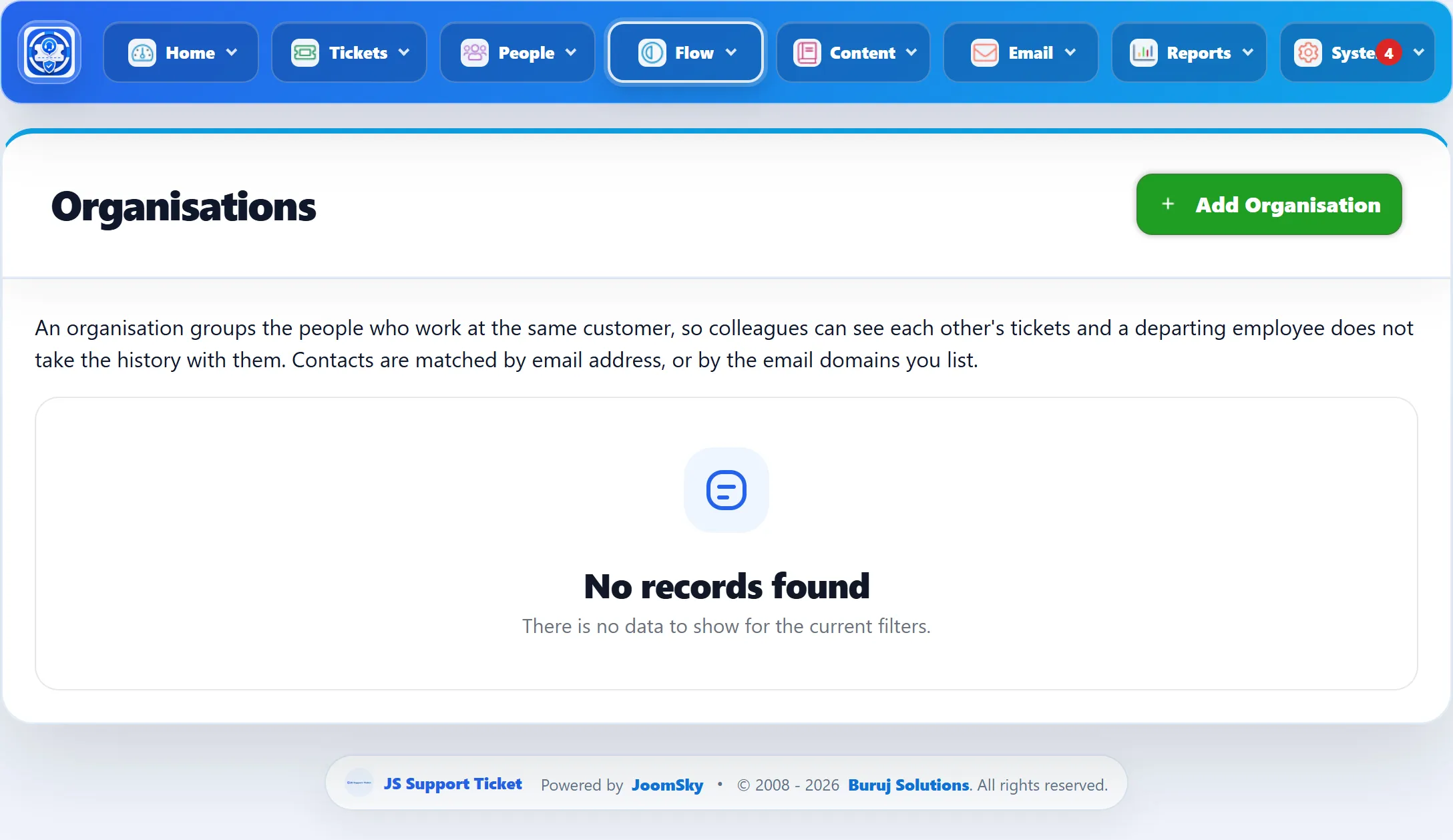
| Column | What it shows |
|---|---|
| Name | Click it to edit the organisation. |
| Domains | The e-mail domains that belong to it. |
| Contacts | How many named addresses are listed. |
| Tickets | How many tickets are filed under it. Click the number to see them in the ticket list. |
| Shares tickets | Whether contacts can see each other’s tickets. |
| Published | Whether the organisation is active. |
Adding an organisation
Section titled “Adding an organisation”-
Click Add Organisation.
-
Fill in the form (below).
-
Click Save Organisation.
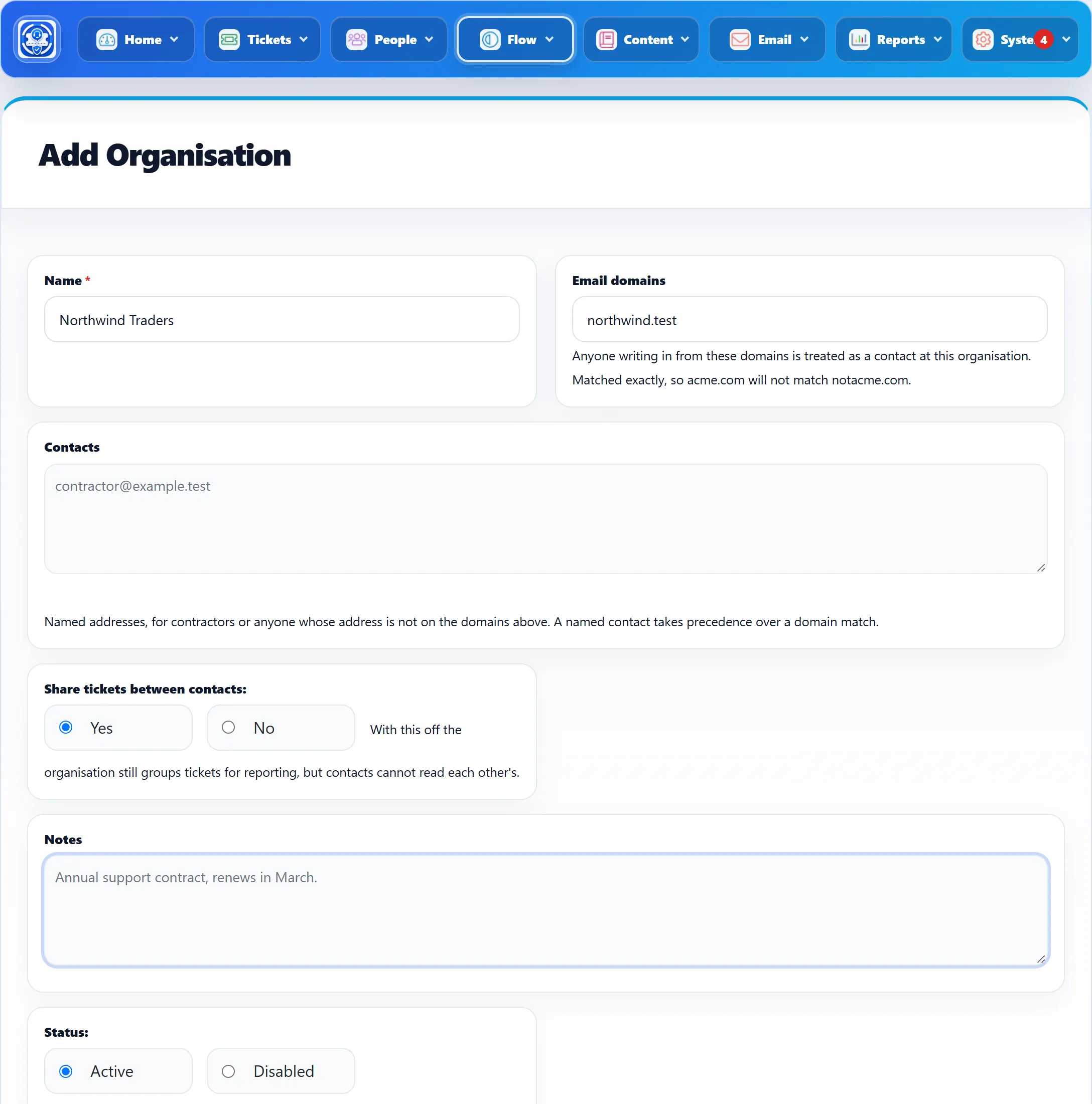
| Field | What it does | Default |
|---|---|---|
| Name | The organisation’s name. Required. | |
| Email domains | Domains whose addresses belong to the organisation, separated by commas, for example acme.com, acme.co.uk. A leading @ or https:// is removed. Matched exactly, so acme.com does not match notacme.com. |
|
| Contacts | Individual addresses that belong to the organisation even though their domain isn’t listed, for example contractors. Separate them with commas. | |
| Share tickets between contacts | Yes lets every contact see and open the organisation’s tickets in their My Tickets. No still groups the tickets for you, but each customer sees only their own. | Yes |
| Notes | Your own notes. Not shown to customers. | |
| Status | Active or Disabled. A disabled organisation matches nobody. | Active |
How tickets are matched
Section titled “How tickets are matched”When a ticket is raised, the customer’s e-mail address is checked:
- If the address is listed under Contacts of an active organisation, the ticket goes to that organisation. A named contact wins over a domain match.
- Otherwise, if the address’s domain is in an active organisation’s Email domains, the ticket goes there.
- Otherwise the ticket has no organisation.
Matching happens only when the ticket is created. Tickets raised before you added the organisation, or before you added a domain or contact, are not moved into it.
Where organisations show
Section titled “Where organisations show”- The ticket list can be filtered by organisation, and each ticket shows its organisation.
- A ticket’s page shows its organisation, with a link to the organisation and to its other tickets.
- With Share tickets between contacts on, a customer’s My Tickets also lists their colleagues’ tickets, and they can open them.
Deleting an organisation
Section titled “Deleting an organisation”Click the delete button in the list. Its tickets are kept; they simply no longer belong to an organisation, and stop being shared.