Department Reports
Reports → Department Reports compares your departments: how many tickets each one received in a period, and where those tickets stand now.
Choosing a period
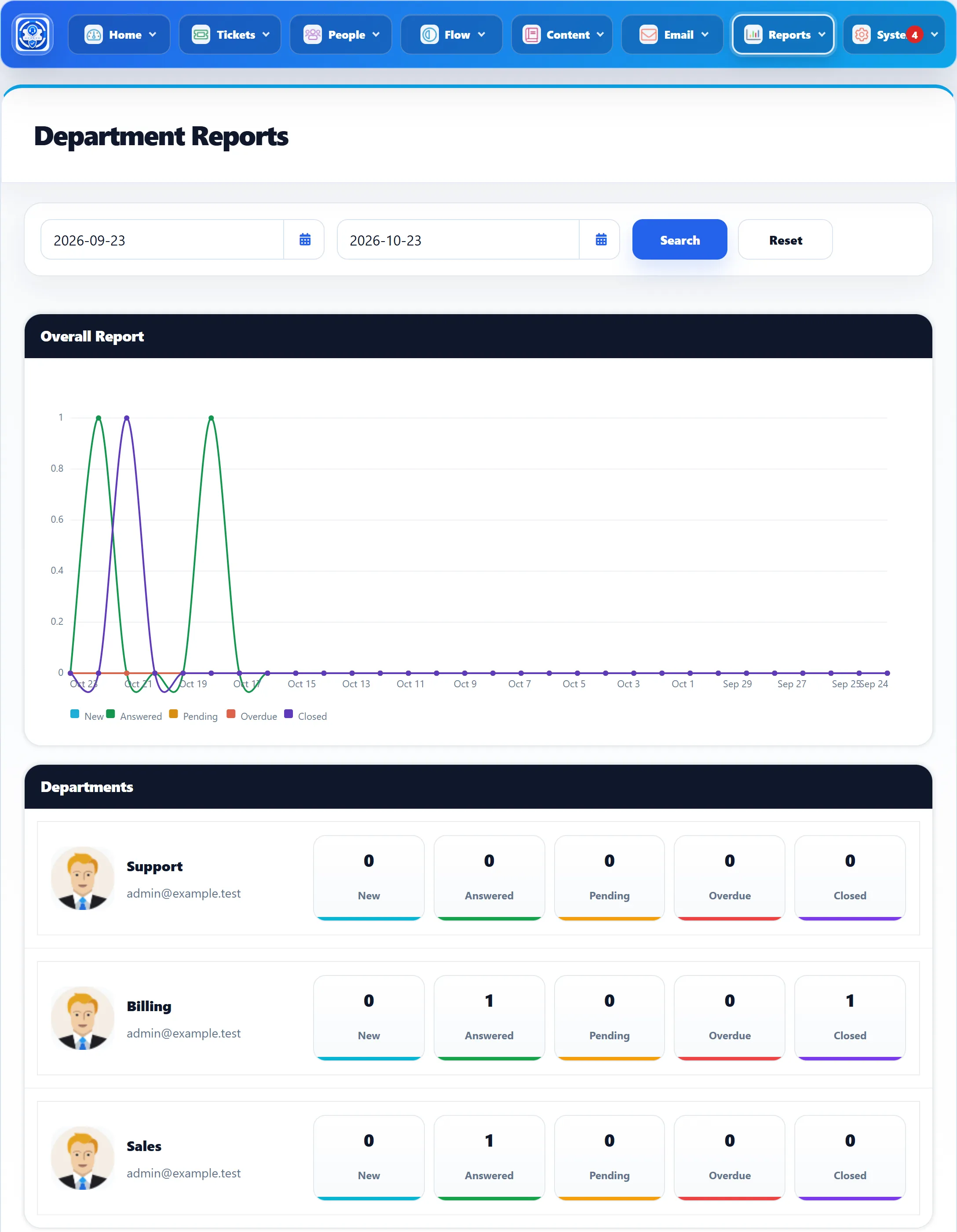
Section titled “Choosing a period”The report opens on the last month up to today. Pick a start and end date (in the Date Format from General Settings) and click Search. Reset goes back to the last month. A ticket is in the period if it was created in it.
What it shows
Section titled “What it shows”Overall Report. A line chart across the days of the period, with one line each for New, Answered, Pending, Overdue and Closed. Each point counts the tickets created that day that are in that group now. This chart covers all departments together.
Departments. One row per department, showing its name and the email address it sends from, then five boxes:
| Box | Counts the department’s tickets, created in the period, that |
|---|---|
| New | have status New, have no reply and are not overdue |
| Answered | have been answered and are not New or Closed |
| Pending | are not answered, closed or overdue and have at least one reply |
| Overdue | are marked overdue and are not closed |
| Closed | are closed |
Every department is listed, including ones with no tickets in the period.
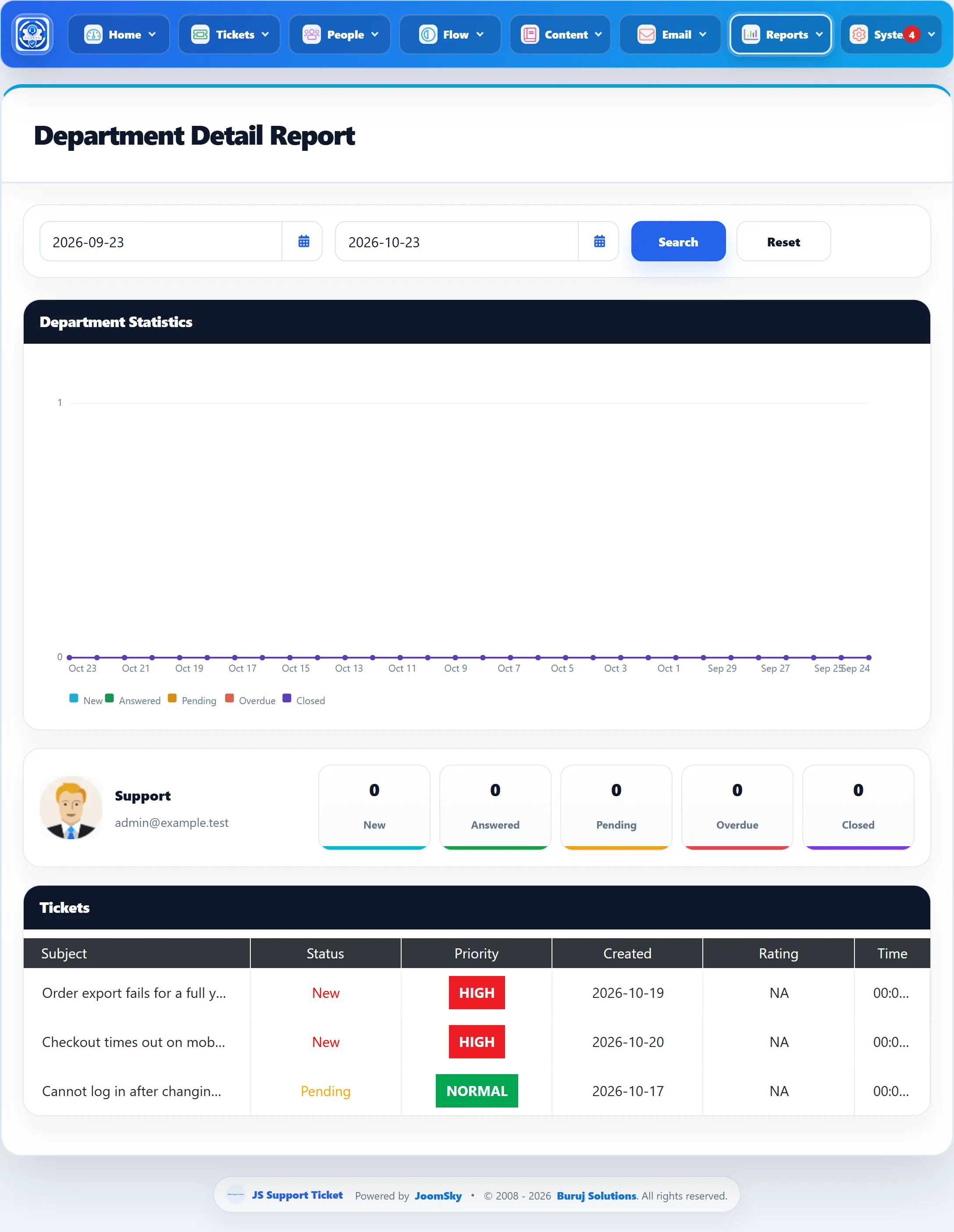
Department Detail Report
Section titled “Department Detail Report”Click a department’s row to open its Department Detail Report for the same period. You can change the dates there too.
- Department Statistics is the same line chart, for this department only.
- The five boxes repeat the department’s counts.
- Tickets lists every ticket in the department created in the period, with Subject (a link to the ticket), Status, Priority, Created, Rating (the customer’s feedback out of 5, or NA) and Time.
Time is the total time all staff recorded on that ticket with the ticket timer, as hours:minutes:seconds.