
Banned emails and the ban log
Banning an email address stops it from opening new tickets. Use it for spam senders and abusive contacts.
Banned emails
Section titled “Banned emails”Email → Banned Emails lists every banned address, under the heading Ban Emails.
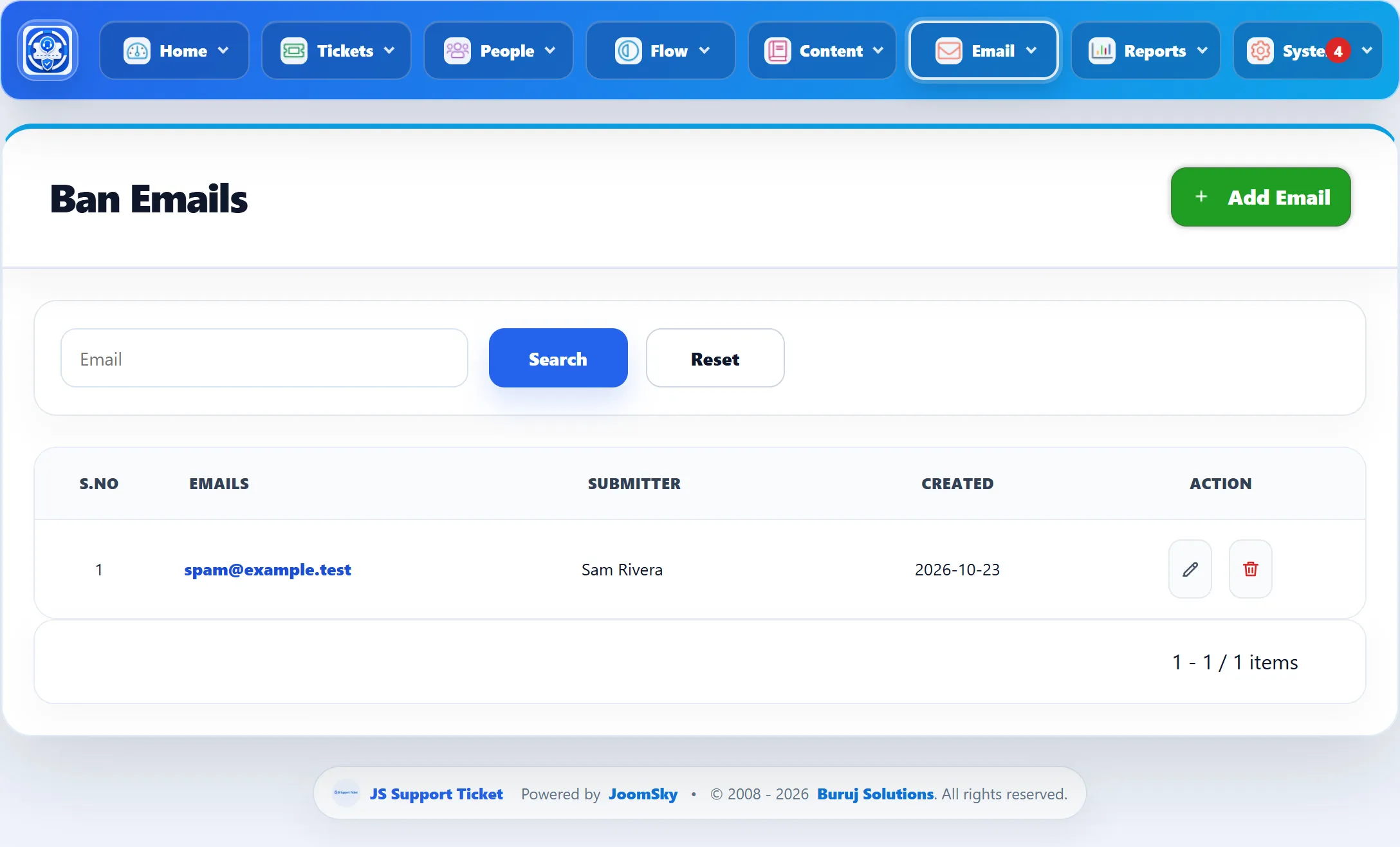
The columns are Emails (the address), Submitter (who banned it) and Created. The Email box above the list searches the addresses.
Banning an address
Section titled “Banning an address”-
On Email → Banned Emails, click Add Email.
-
Type the address under Email.
-
Click Ban email.
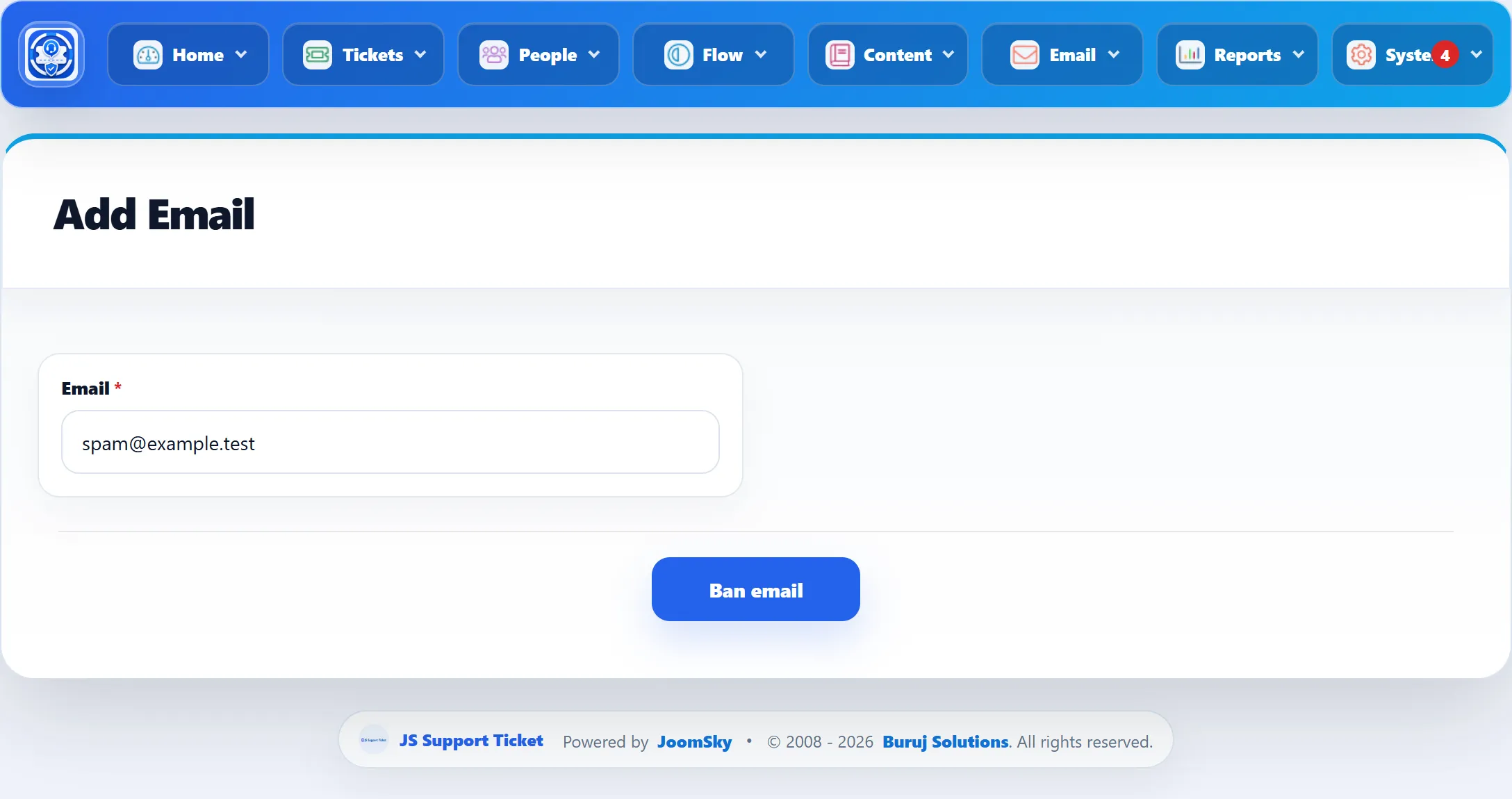
An address can only be on the list once (“Email already banned”). Banning sends the Ticket ban email notifications; see Notifications.
You can also ban from a ticket, with Ban email or Ban email and close ticket in the ticket’s actions. Both put the customer’s address on this list.
What a ban does
Section titled “What a ban does”- Customers and visitors who submit the ticket form with a banned address see “Banned email cannot create ticket”, and the attempt is recorded in the ban log.
- Staff on the front end can’t open a ticket for a banned address either.
- The administrator can still create a ticket for a banned address in the administrator, with the warning “This email address is on the ban list. Customers using it cannot open tickets themselves.”
- Email: a new message from a banned address to a ticket-via-email mailbox doesn’t become a ticket. It stays unread in the mailbox, and each run that looks at it adds a line to the ban log.
The ban is on the exact address. Tickets the address opened before the ban stay as they are.
Unbanning
Section titled “Unbanning”Delete the address from the list with the bin icon and confirm. That removes the ban without emailing anyone.
Unbanning from a ticket (Unban Email in the ticket’s actions) removes the ban too, records it in the ticket’s history and sends the Ticket unban email notifications.
The ban log
Section titled “The ban log”Email → Banlist Log (headed Ban Log) records every attempt by a banned address to open a ticket, newest first.
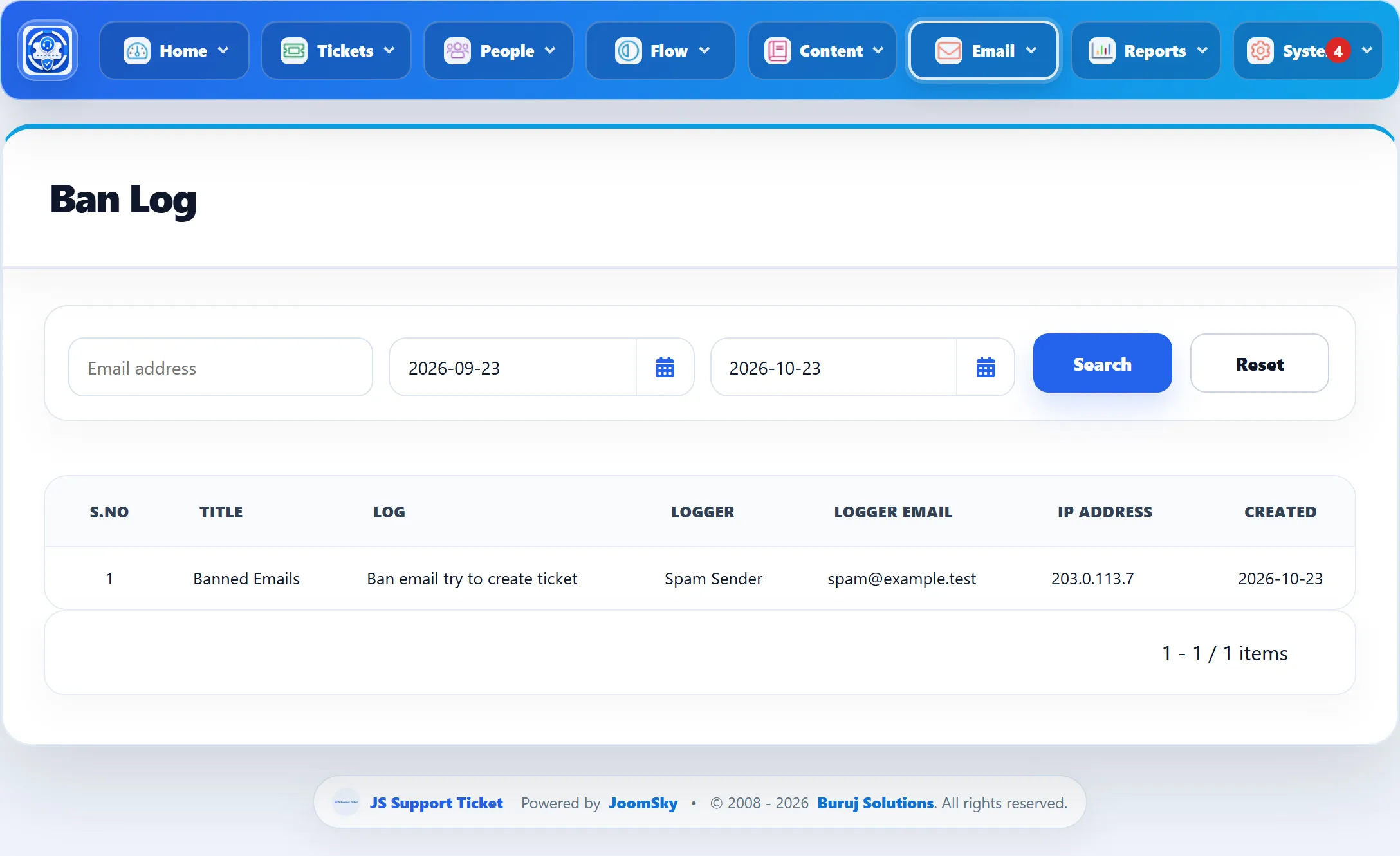
| Column | What it shows |
|---|---|
| Title | Always “Banned Emails”. |
| Log | Always “Ban email try to create ticket”. |
| Logger | The name entered with the attempt. |
| Logger Email | The banned address. |
| IP Address | Where the attempt came from. For an attempt by email, this is the address of whatever ran the mailbox check, not the sender’s. |
| Created | When it happened. |
To narrow the log, type an address in Email address (the whole address, not part of it) and pick a Start Date and End Date; both dates include the whole day. Reset clears the filters.