
FAQs, downloads and announcements
Besides the knowledge base, the help desk has three more places where the support team publishes information. Open them from the Content Center cards on the help desk Dashboard, or from your site’s menu.
All three pages work the same way: two search boxes at the top, the Categories below them, then the list itself.
Short answers to the questions the support team hears most often.
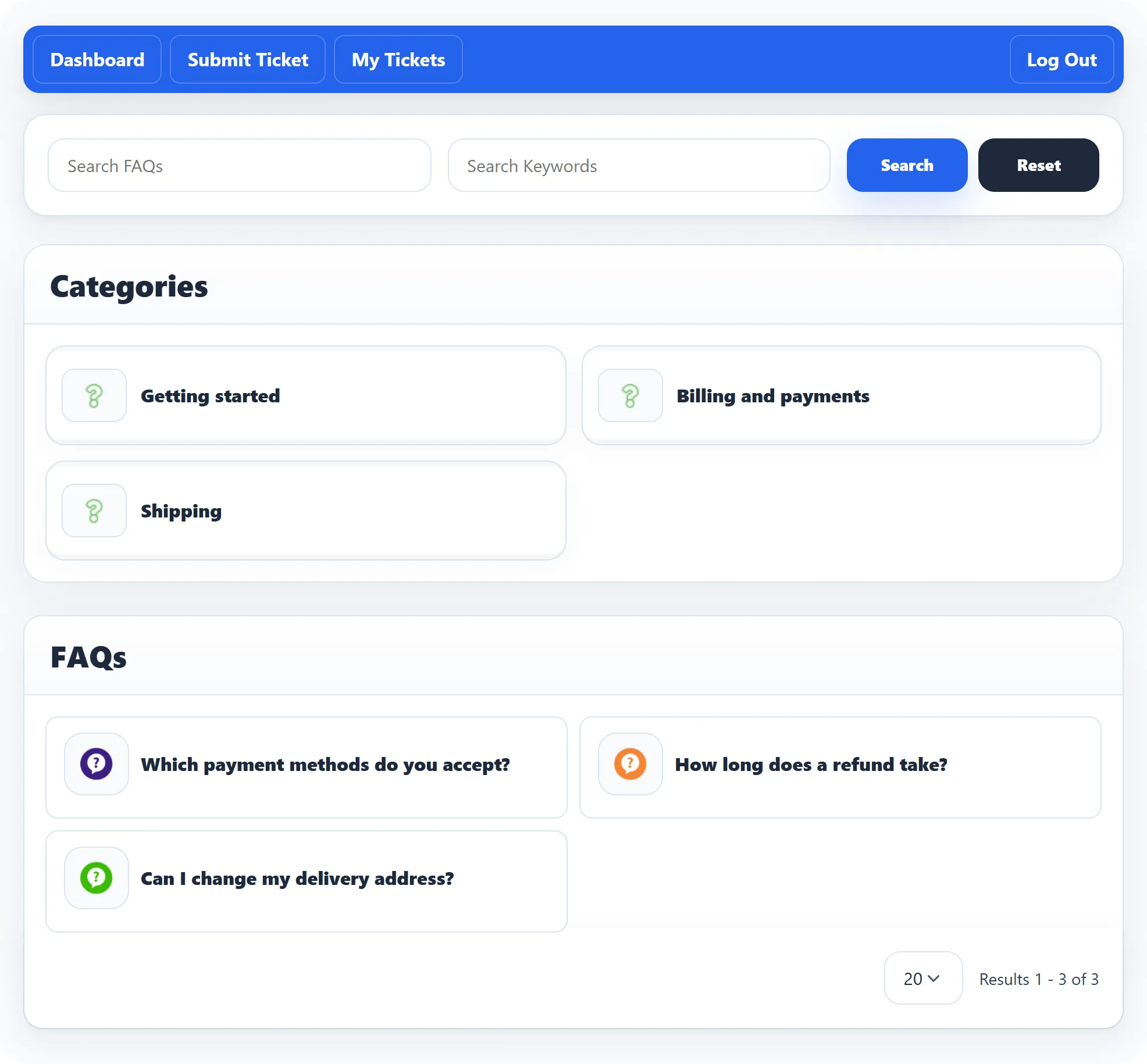
- Search FAQs finds questions, and categories, whose title contains what you type.
- Search Keywords looks in the keywords of the categories.
Click a question to read the answer on its own page, under the heading FAQ Details with the category it belongs to. Click a category to see only its questions; smaller categories inside it are listed under Subcategory FAQs.
Downloads
Section titled “Downloads”Files the support team makes available, such as manuals, forms or price lists.
- Search Downloads finds downloads whose title contains what you type.
- Search Category Keywords looks in the keywords of the categories.
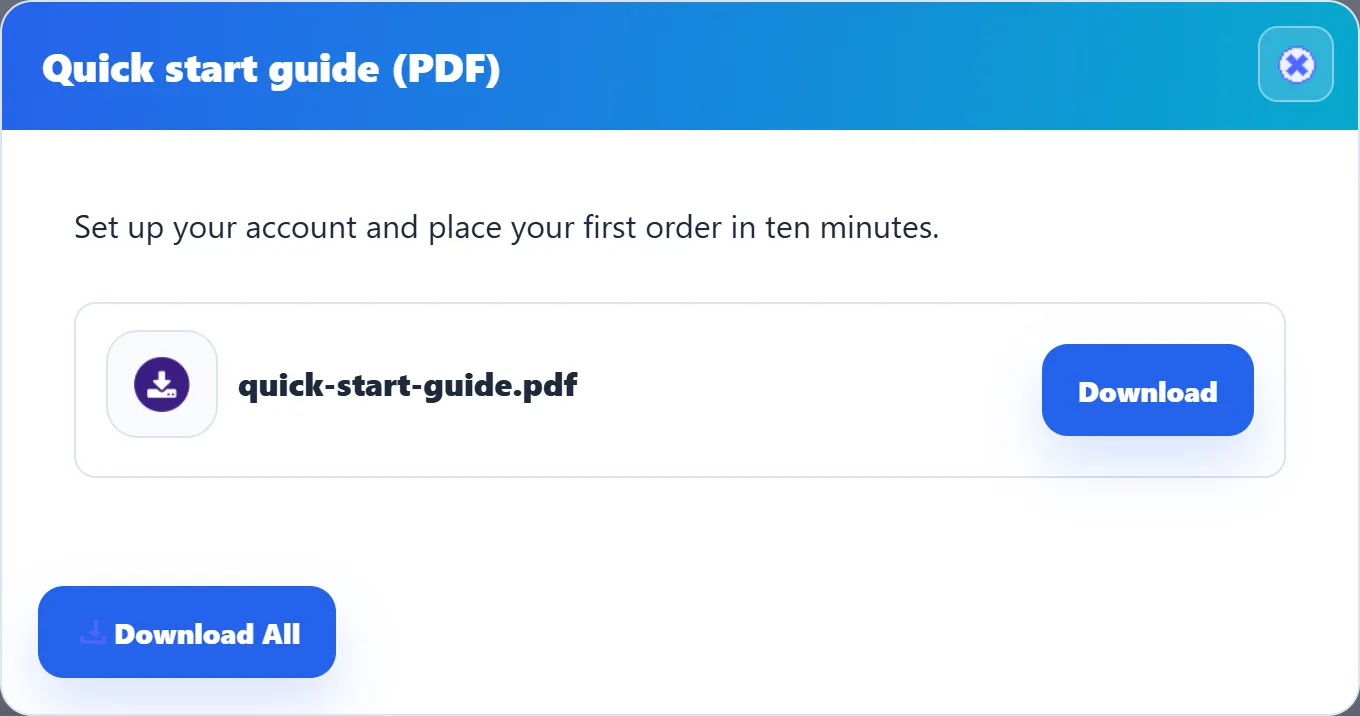
Click a download’s title. A window opens with its description and its files, each with a Download button. Download All gets every file in one go. The cross in the corner closes the window.
Announcements
Section titled “Announcements”News from the support team, such as new opening hours or a planned outage.
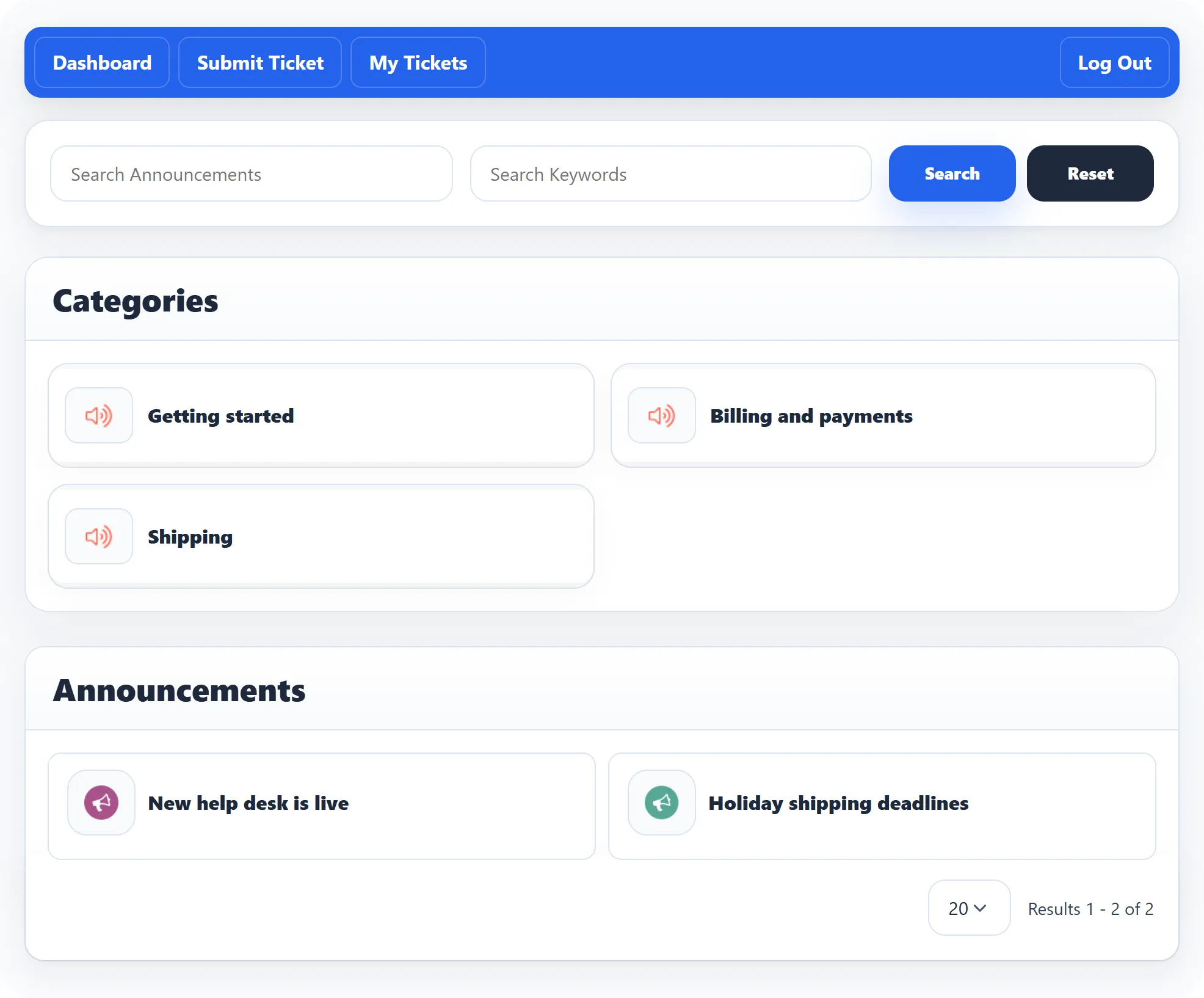
- Search Announcements finds announcements whose title contains what you type.
- Search Keywords looks in the keywords of the categories.
Click an announcement to read it in full, under Announcement Details. The latest announcements also appear on the help desk Dashboard.
Searching and paging
Section titled “Searching and paging”Click Search to run a search and Reset to show everything again. Long lists are split into pages; use the page links and the Display box at the bottom to choose how many items you see at a time.